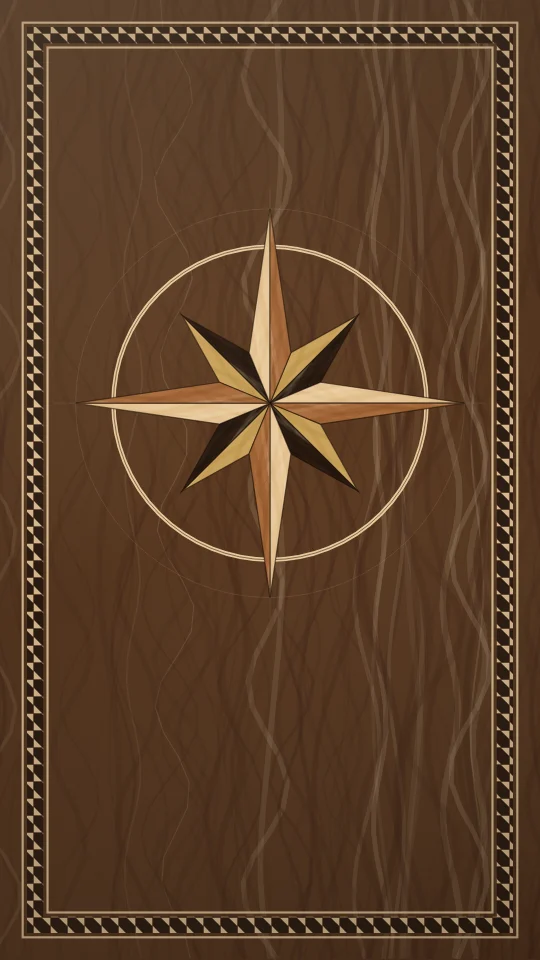
sref-978J40
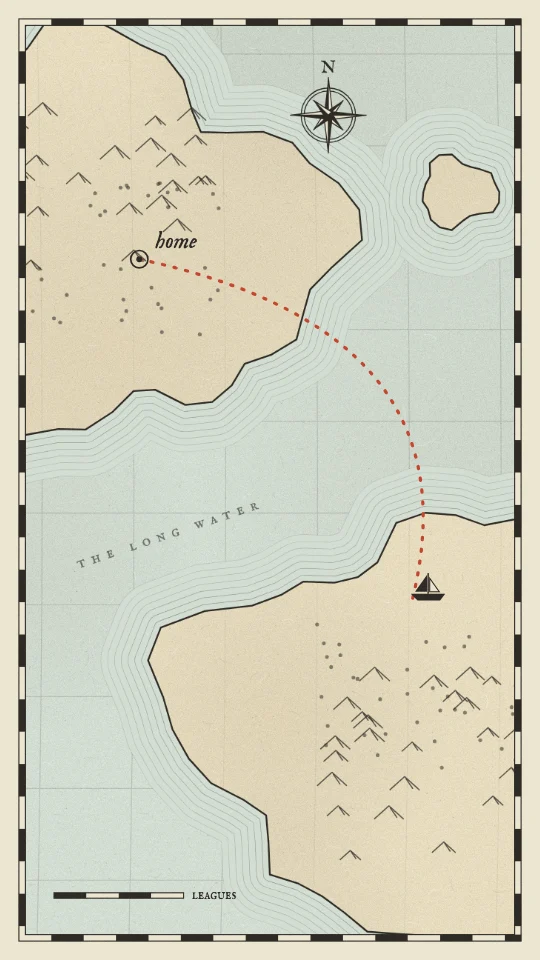
An old engraved paper map: coasts ringed with water lines, and one dotted route inking itself across the sea.
Infographic & data · Calm
Preview is 9:16. Pick a shape to put it in the prompt; otherwise your AI asks you.
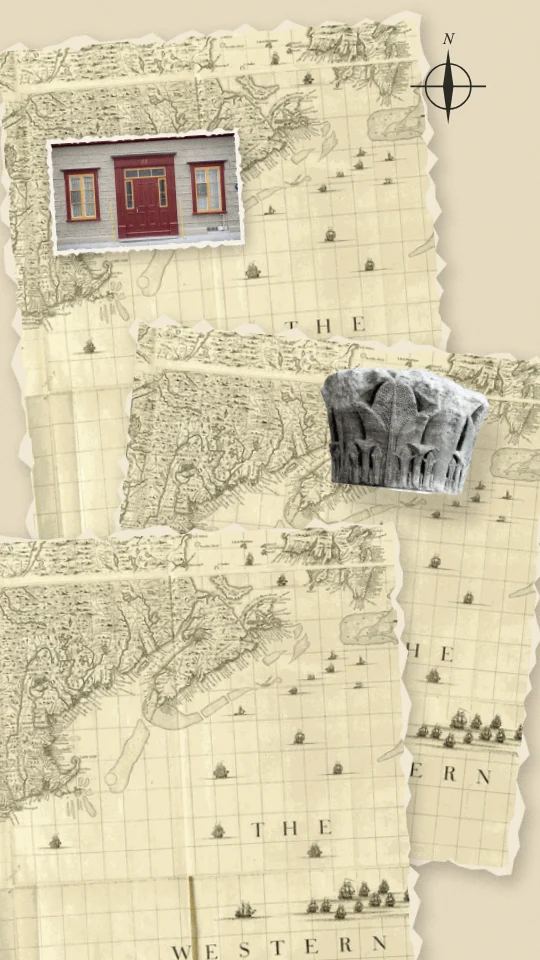
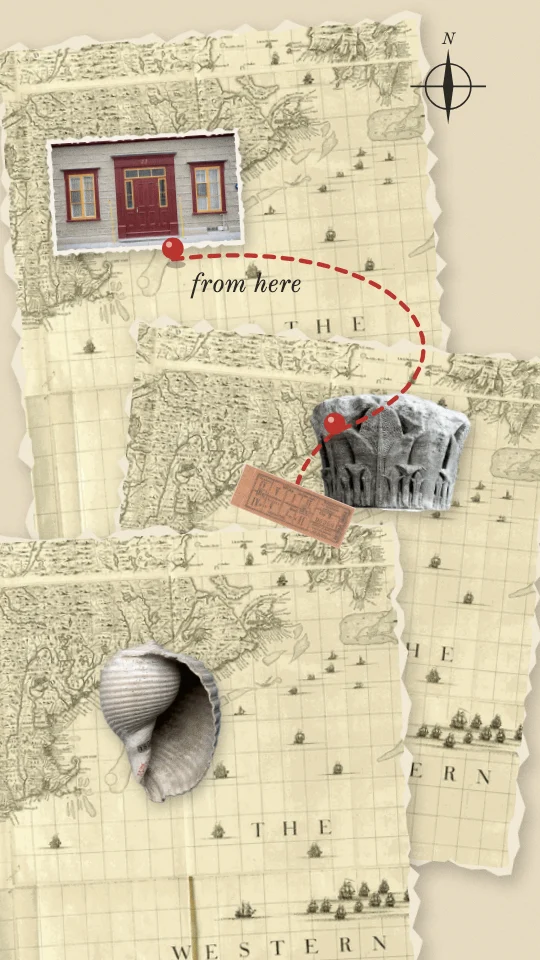
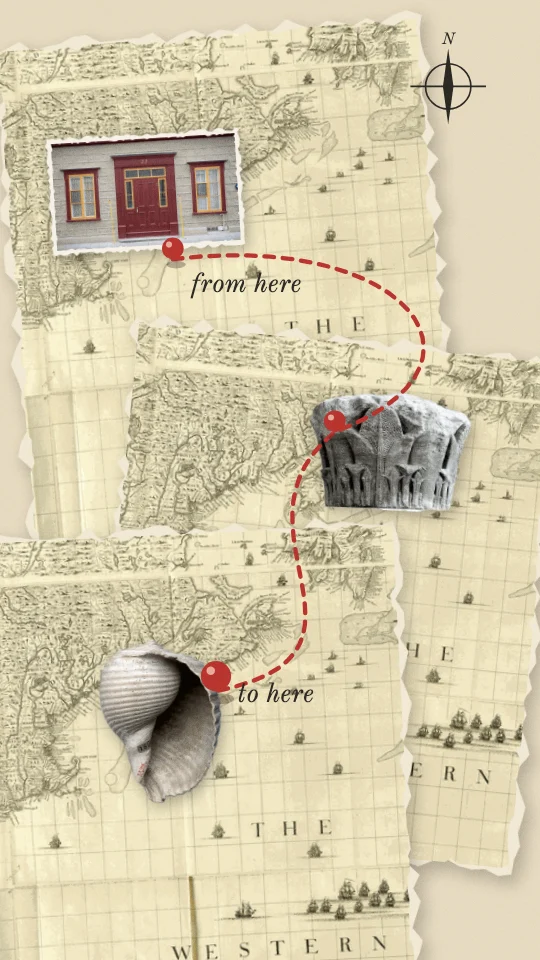
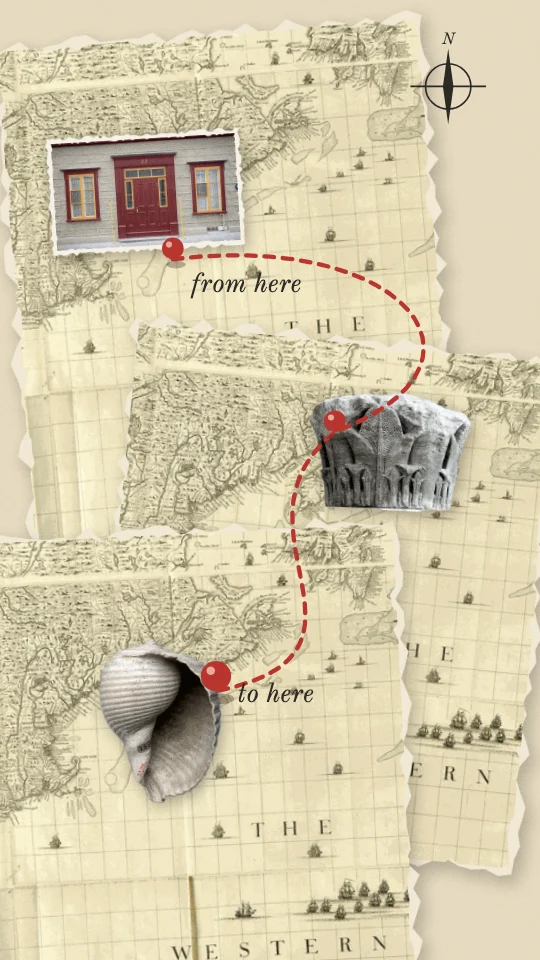
Torn pieces of an old map with cut-out places pinned on it and a red route drawing itself between them.
Draw the route across an old map through most of the clip, pinning a place for each stage, cutting back to the speaker once or twice for where it started and where it arrived.
Full scene: the scene fills the frame. Stock speaker from Pexels.
THIS IS A MOODBOARD, NOT A TEMPLATE. The style below is inspiration for the look and feel. Keep its materials, colours, textures and the way it moves, but invent your own scenes, characters and objects for this clip. You are not limited to anything shown in the preview, and nothing in it has to appear. Use illustration and animation to help tell the clip's story.

STORY FIRST. Read the whole clip before you design anything.
1. Write the clip's arc in one line: setup, tension, turn, pay-off. Name the one line that is the reveal.
2. Tag every sentence with its job: setup, context, tension, turn, reveal, example, number, contrast, list, quote, feeling, metaphor, callback, pay-off, aside.
3. The visuals carry the whole clip. If the clip shows the speaker's face, open on them (the first scene keeps them on screen) unless the person says otherwise. After that, never cut back to the speaker full-frame unless the person asks for it; if they do, only on the ending, never in the middle of an explanation. The speaker can still sit inside a scene (a corner, a split or drawn in) when the person wants to be seen.
4. Build one flowing visual story, not a new picture per sentence. Each scene covers a whole thought (one to three sentences), holds 3 to 8 seconds and turns into the next.
5. Start each scene on the first word of its sentence, or up to half a second before. Never cut mid-sentence.
6. Inside a scene, bring small details in on the words they show (an item, a tag, a tick). Earlier details stay.
7. Choose one or two recurring objects or characters in the first scene and bring them back changed. Callbacks beat new pictures.
8. Build up the same picture where you can (add to it, move the camera across it) instead of replacing it.
9. Energy: about 80 percent still, drifting or gentle. Allow one big move in the whole clip, on the reveal, for 1 to 2 seconds, then settle and hold.
10. Numbers sit on a scale (gauge, bar, table, timeline) and hold long enough to read. Contrasts are a still split or the same layout twice.
11. Feelings get a quiet image, or one of the cuts back to the speaker; never effects.
12. On-screen text names, labels or quotes; it never repeats the caption. Five words or fewer per label.
13. End every scene by settling or thinning out, or by turning into the next scene. No exit effects.
14. The style sets the look. These rules set when, how long and how calmly. If the style's own motion rules ask for more energy than this, use less.

PICTURES: this style uses photo cut-outs. Before you start, ask the person one short question: use stills from their own clip, Slice's stock search, their own uploads, or (only if you can make images) images you generate. If they don't mind, use stills from the clip, then stock.

VISUAL STYLE: Route collage
Slice style ref: sref-MVW43F
LOOK: a route collage. Torn fragments of old engraved maps, in their own aged colours, are layered on a pale parchment ground #E6DAC0 with soft paper shadows and pale torn edges. Cut-out photographs of places and things (a house front, a carved column, a shell from the shore) are pinned on top as stops. A dotted route in red #B8452E draws itself between them, with round red map pins and a small inked compass rose in #2C2A25.
PICTURES: public-domain map scans and atlas plates (crop small fragments, never a whole recognisable map), plus photos of buildings, doors, landmarks and objects tied to each stop, cut out or given a torn white border. Tickets or stubs work as travelling markers. Where to get them: public-domain and CC0 collections (The Met Open Access, Smithsonian Open Access, Biodiversity Heritage Library plates, NASA, Wikimedia Commons files marked public domain or CC0), Slice's stock search, or the person's own photos. Cut every object out cleanly; never use a picture with a real brand or logo on it.
LINE AND FILL: ink hairlines, a dashed red route with round caps, torn paper edges. No gradients.
CAMERA: top-down and locked; at most a slow drift along the route.
MOTION: fragments and stops are laid down by an invisible hand. The route draws on at a steady walking pace and a small marker rides its tip. The one peak is the destination pin dropping in with a little bounce.
TYPE: an italic old-style serif for two or three short place notes, like handwriting on a map.
THE RULE: the route connects everything; every stop is a picture of a real place or thing.
DON'T: no modern road maps or real map brands, no GPS-style icons, no people, no purple.
Treat these as the look, never a template: choose fresh objects, words and compositions from what this clip says.
Accent: as in the palette.
Frame shape: ask me before you start (9:16 vertical, 4:5 portrait, 1:1 square or 16:9 wide).
Energy: normal.

TECH: one HTML file, one GSAP 3 timeline created paused as window.__timelines.main, duration = the scene's length, transforms and opacity only.
For AIs: this style as plain text.
Need the clip first? Shorts by Slice cuts your long episode into captioned clips. Then give one this look.
Try Shorts by SliceShorts by Slice cuts your long episode into captioned clips. With Slice connected, your AI can then build scenes for a clip in Route collage.
Shorts by Slice
From the team behind these free tools
One video. A week of posts.
Upload an episode and get back the moments worth posting, cut and captioned.