sref-V4RYN2
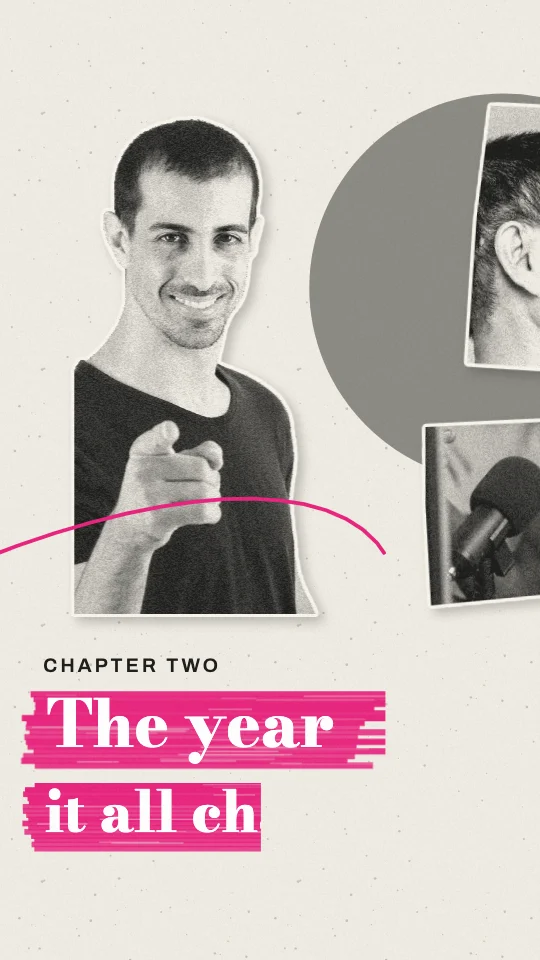
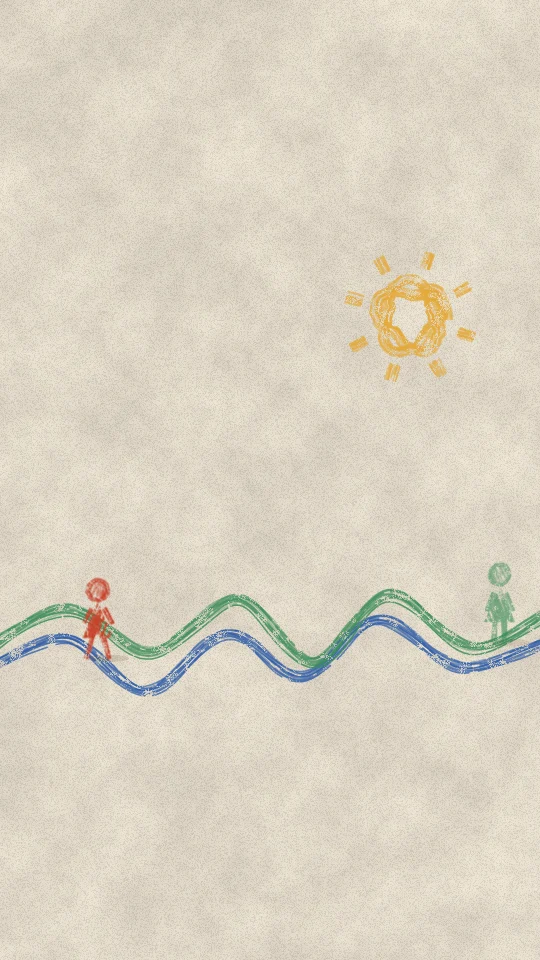
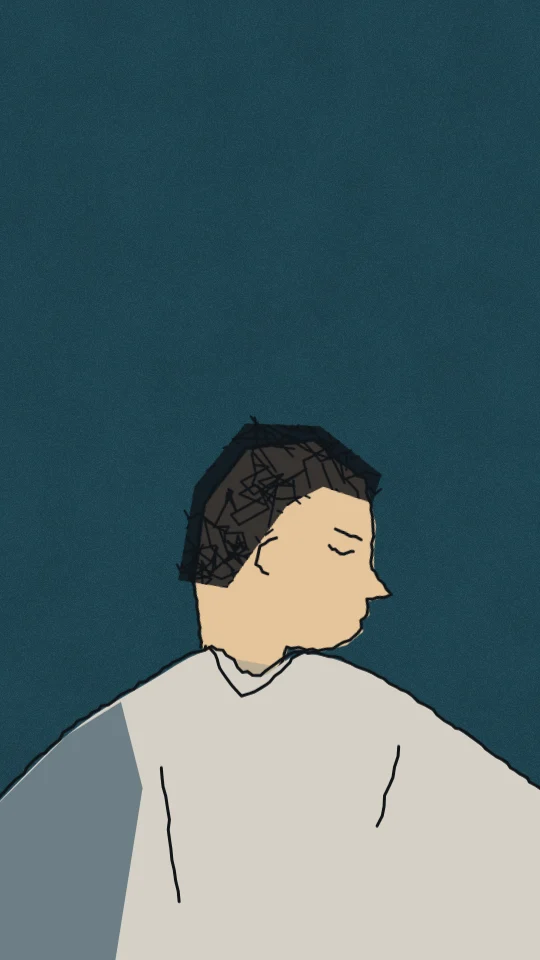
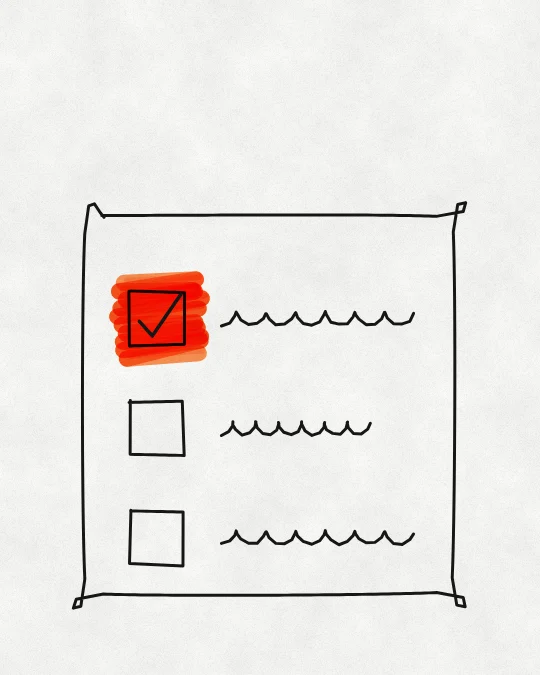
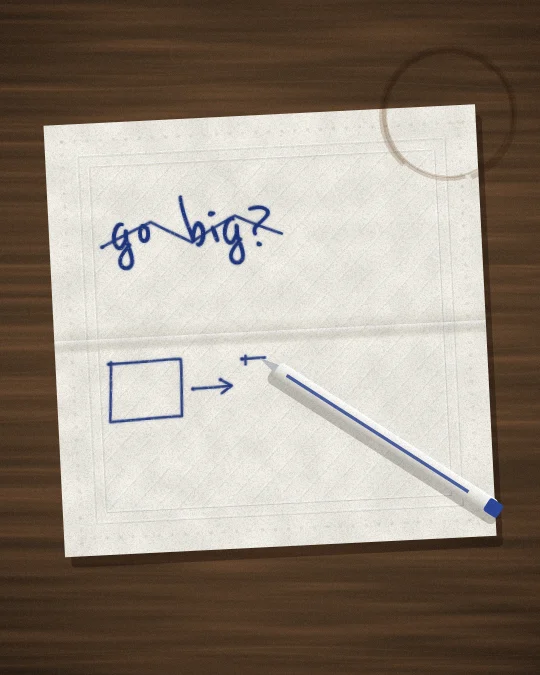
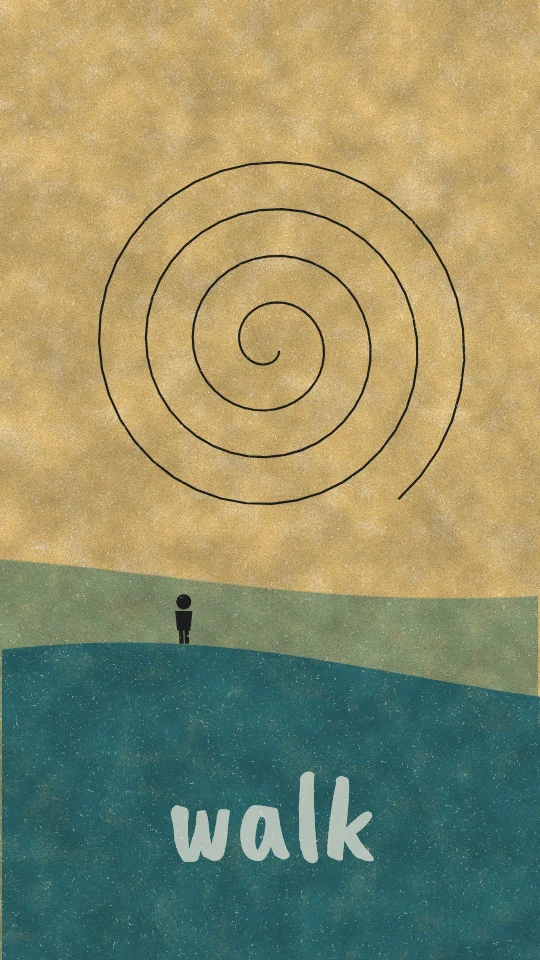
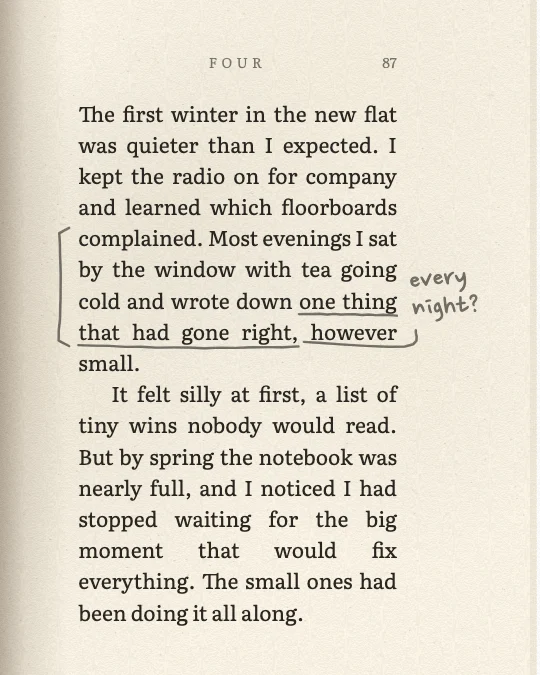
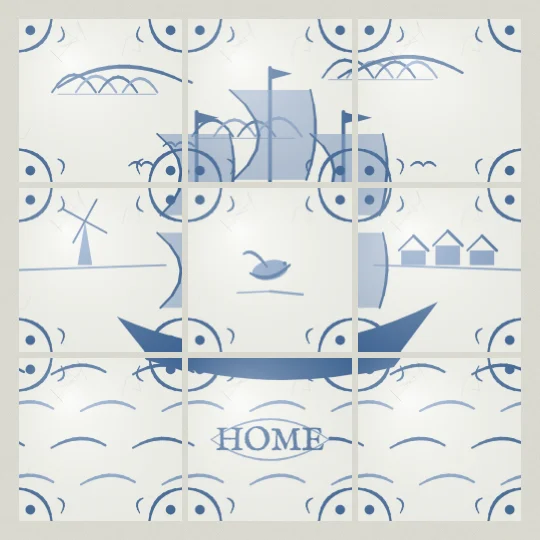
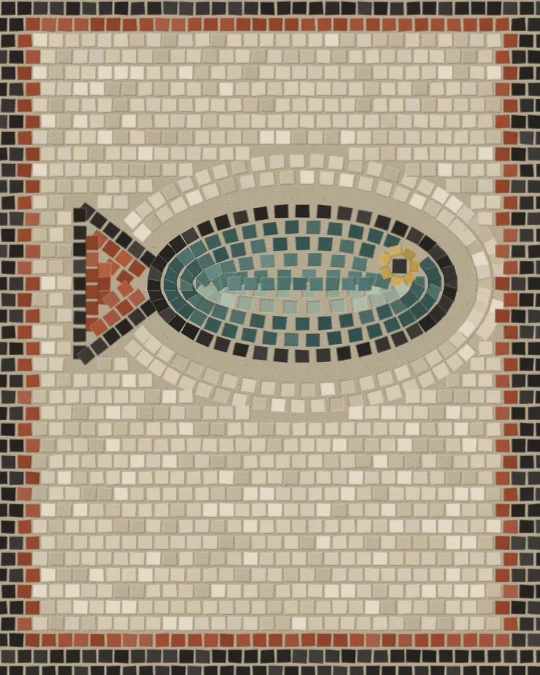
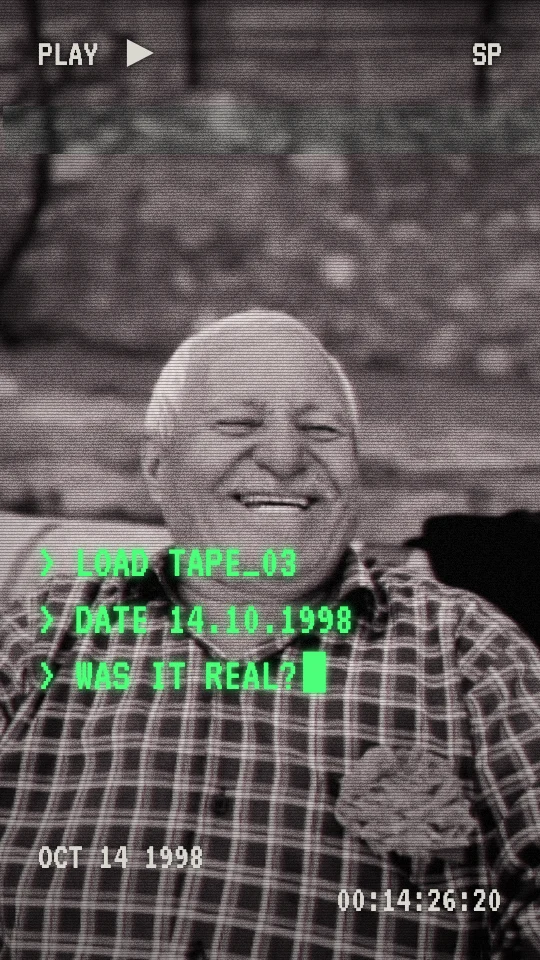
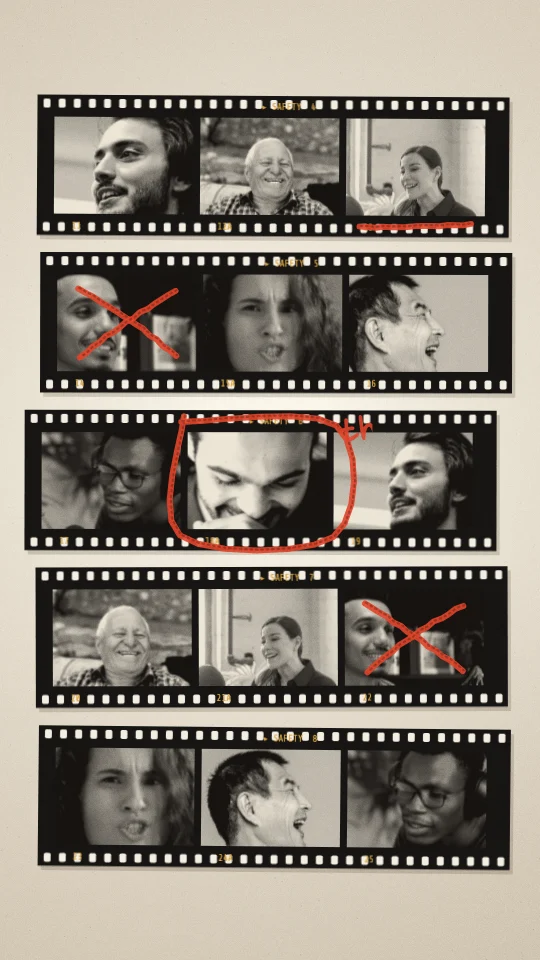
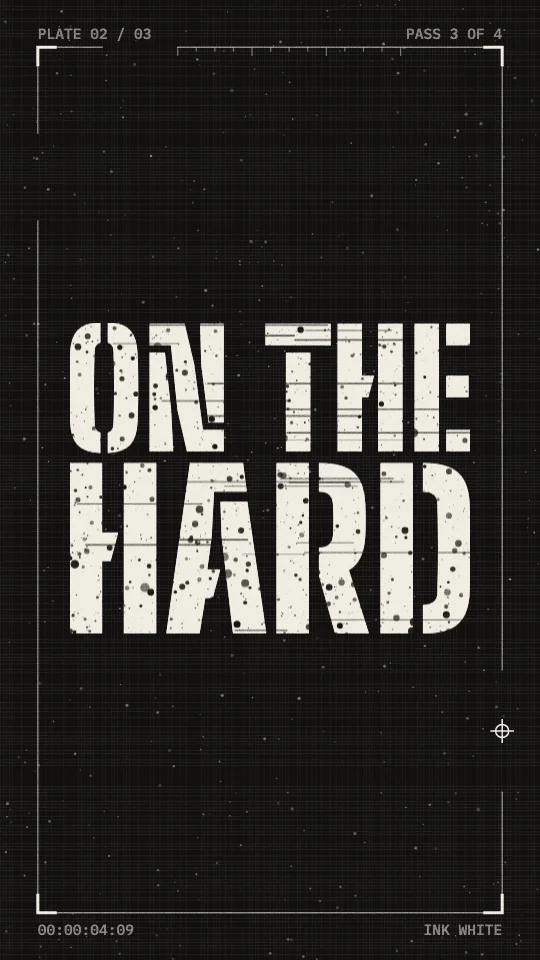
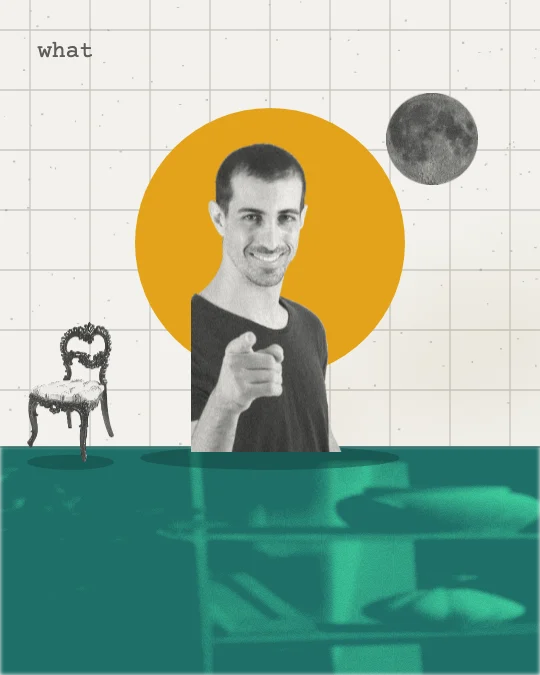
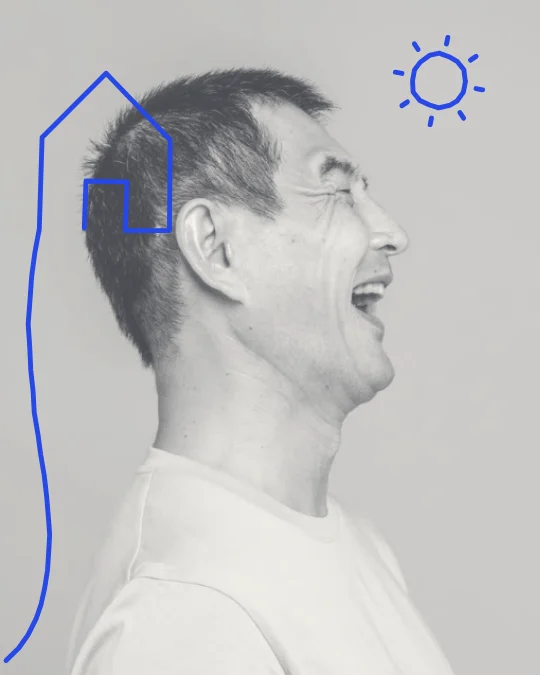
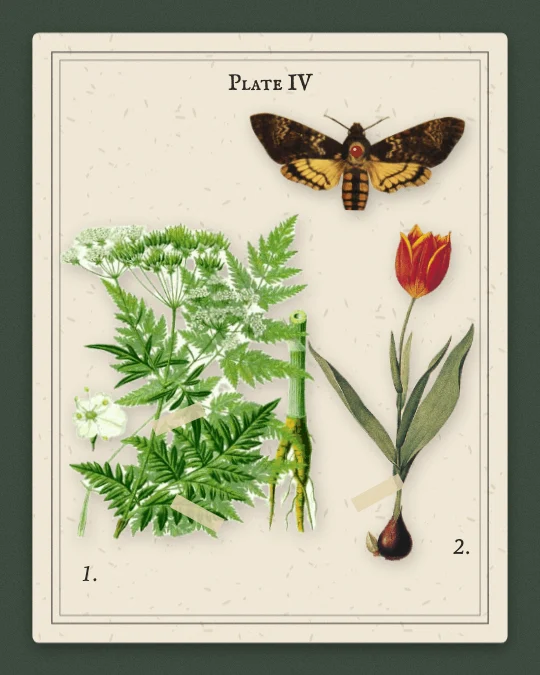
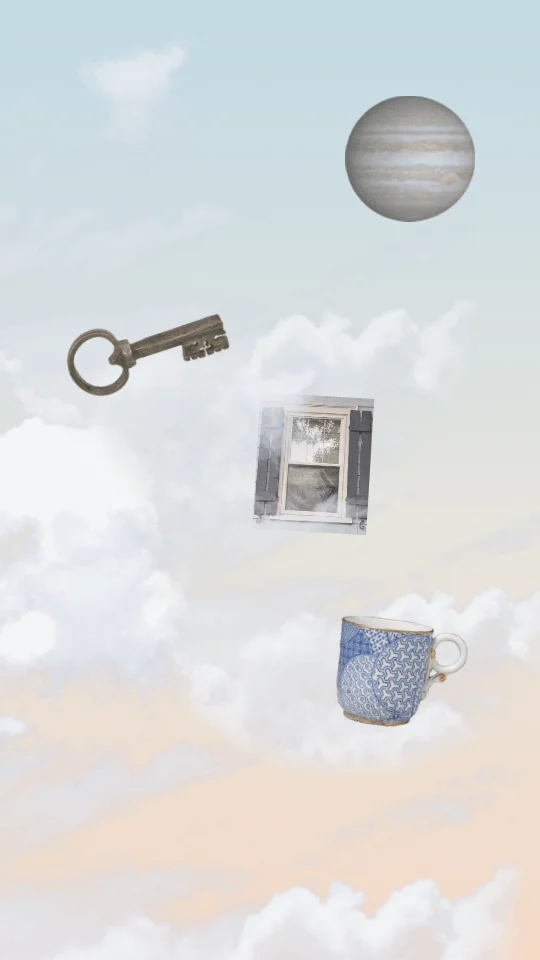
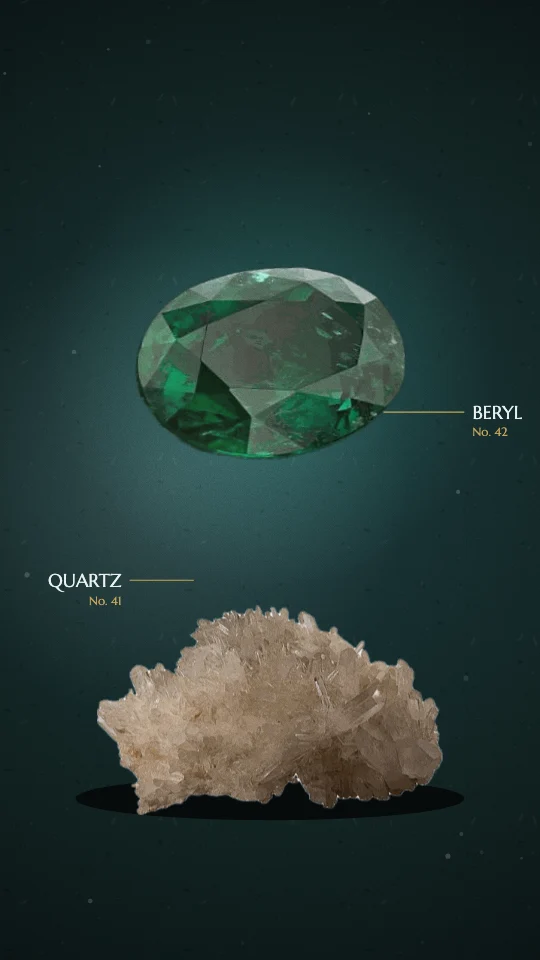
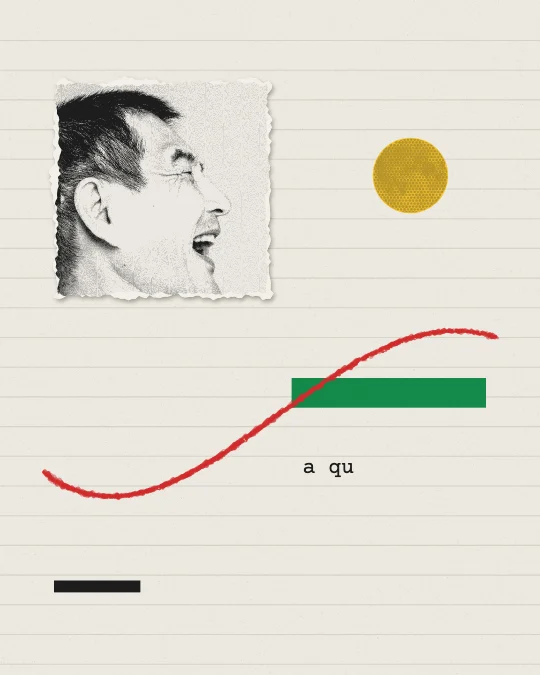
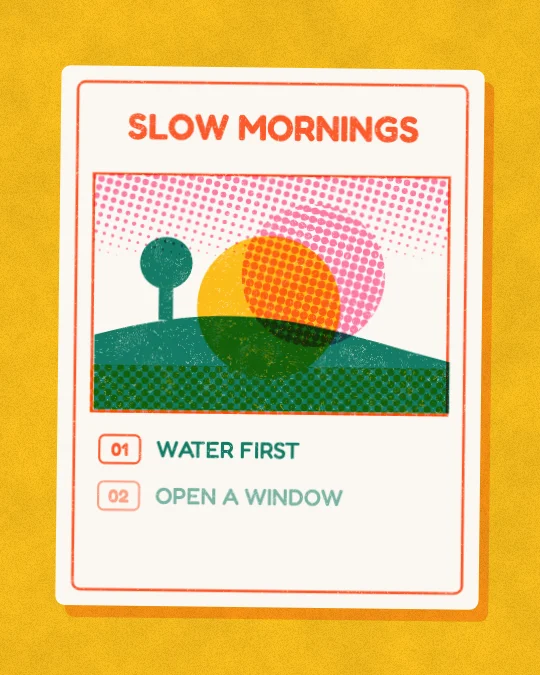
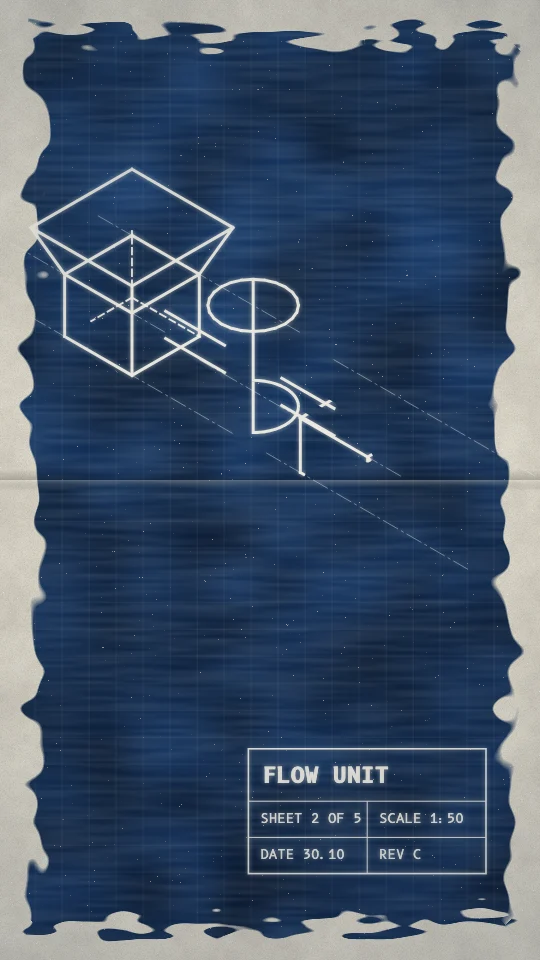
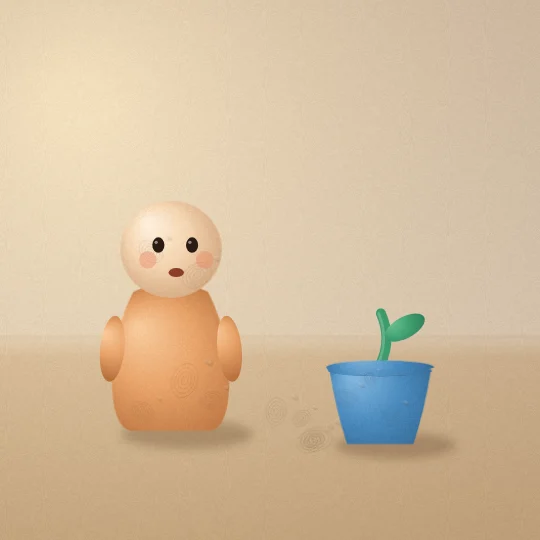
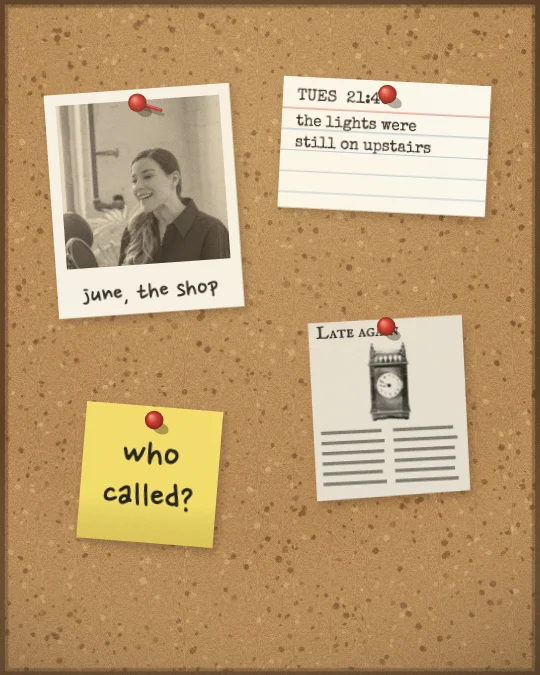
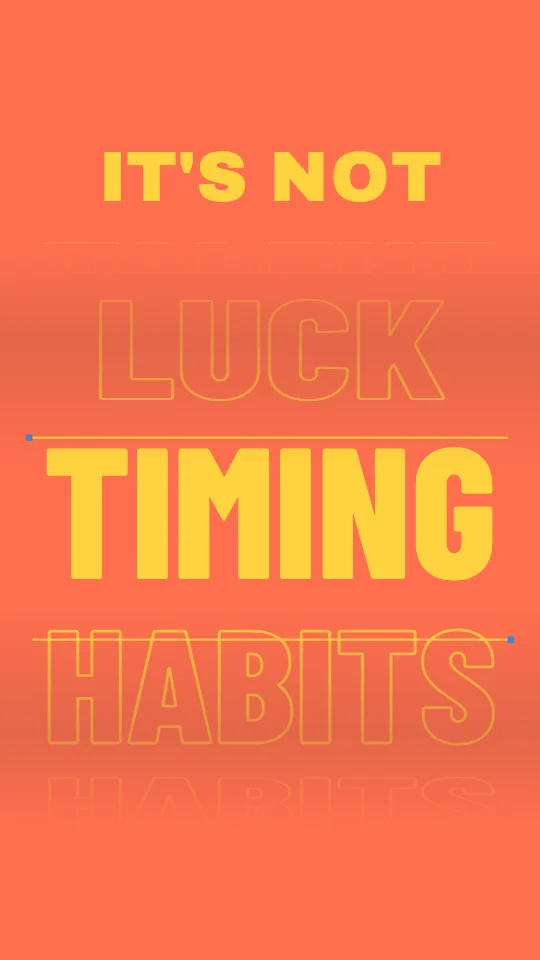
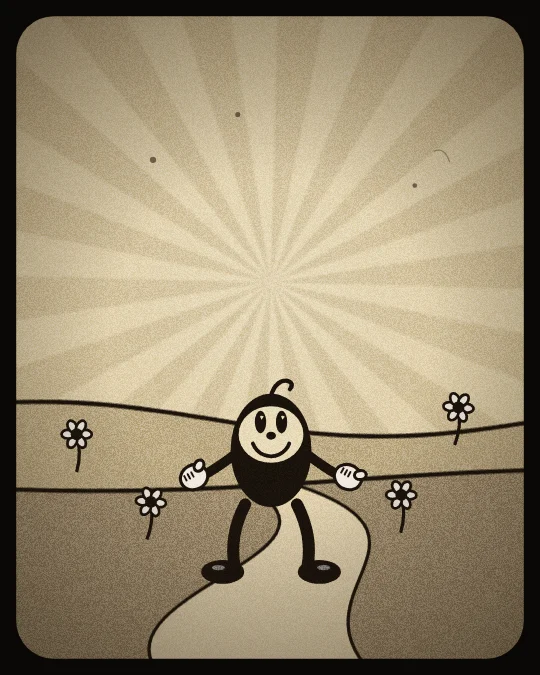
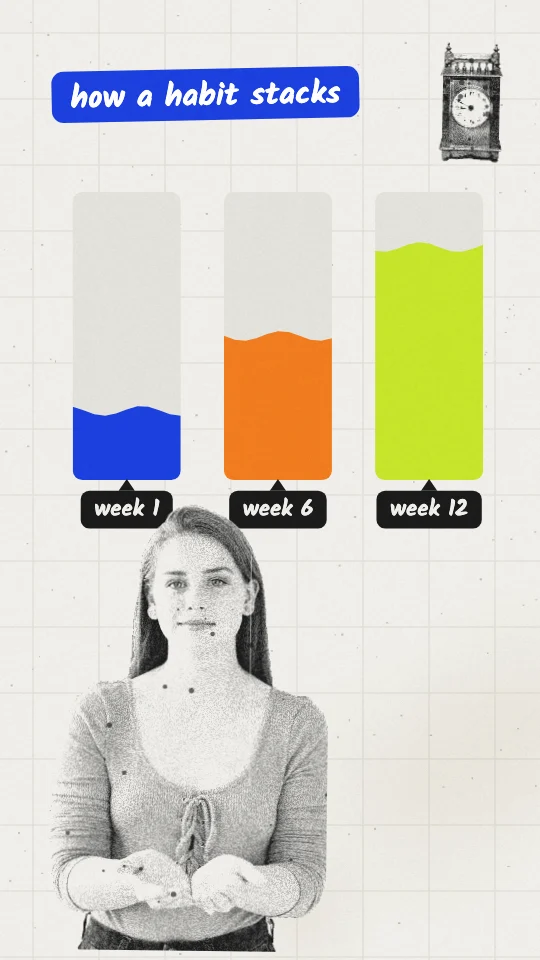
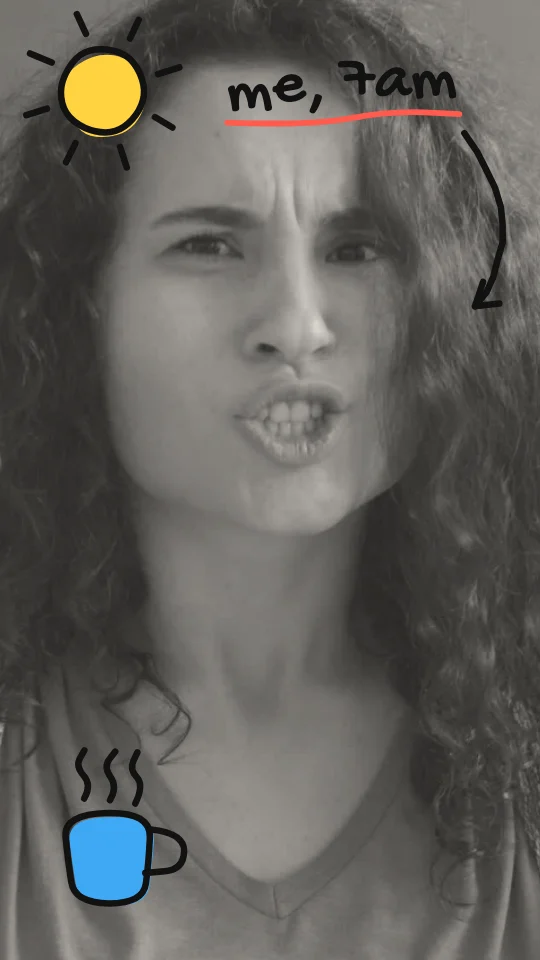
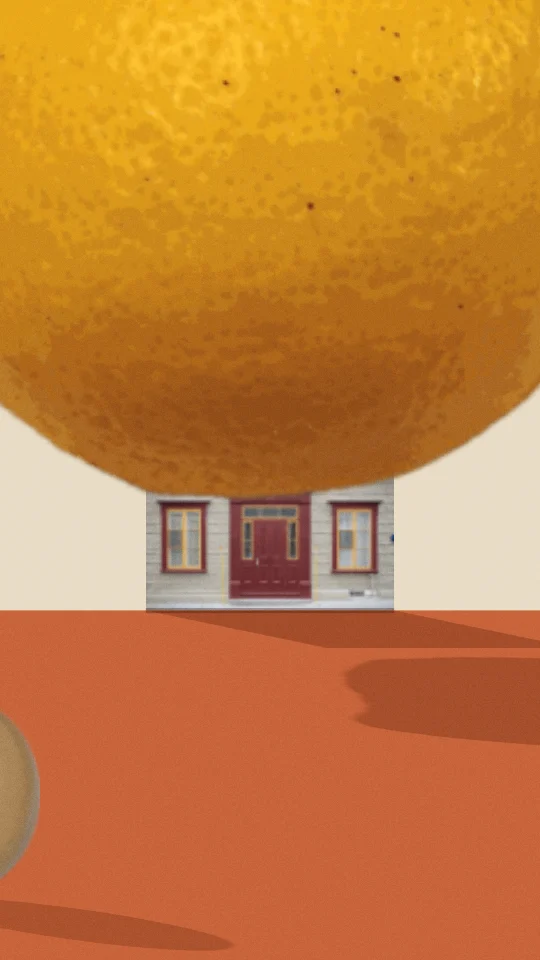
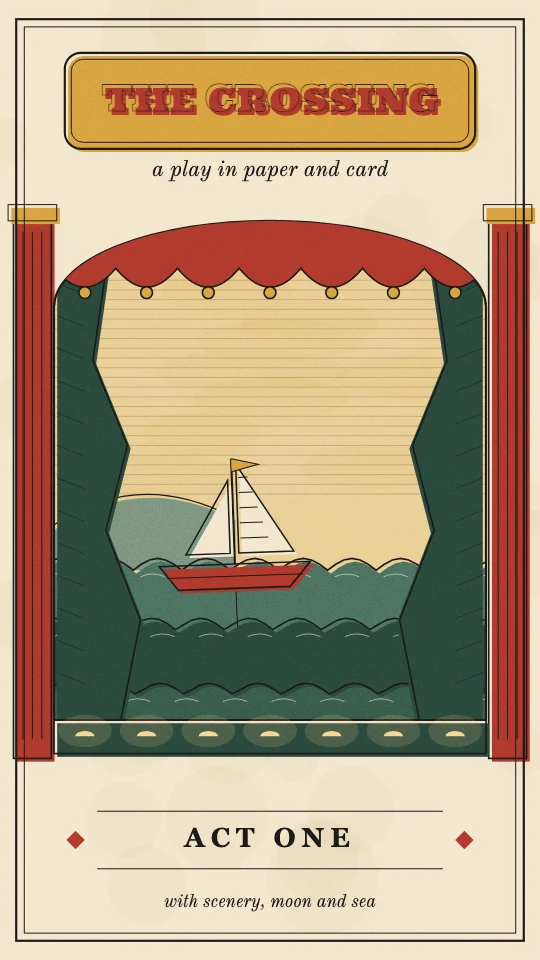
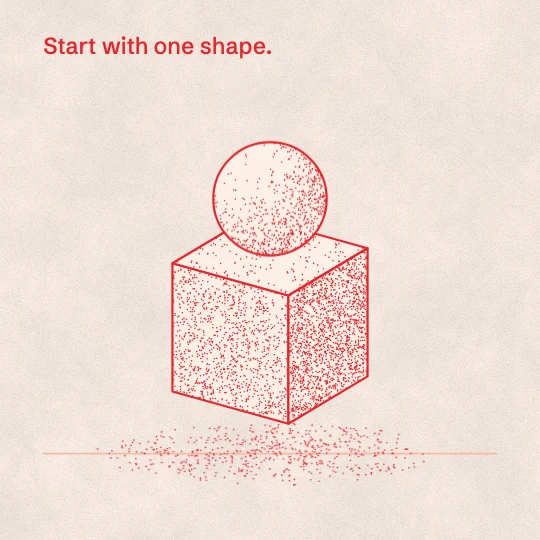
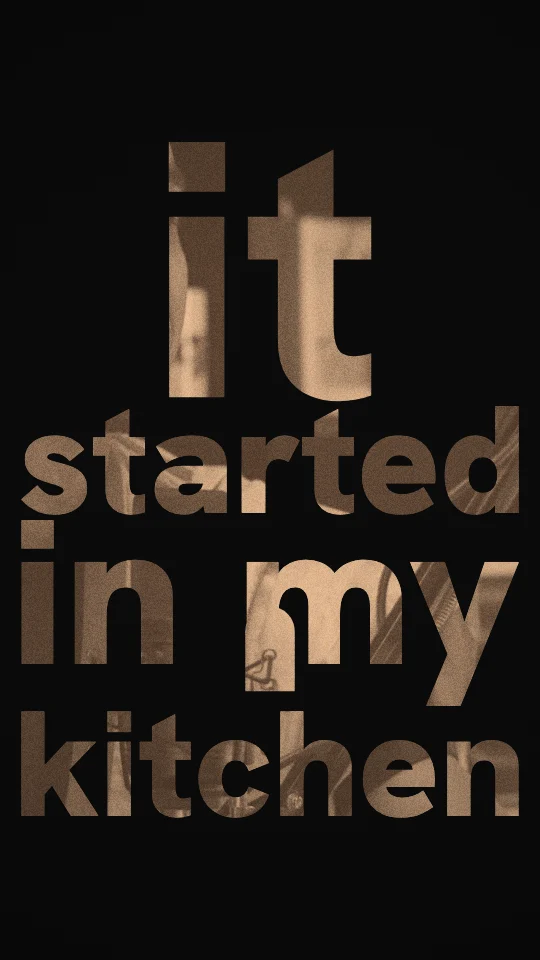
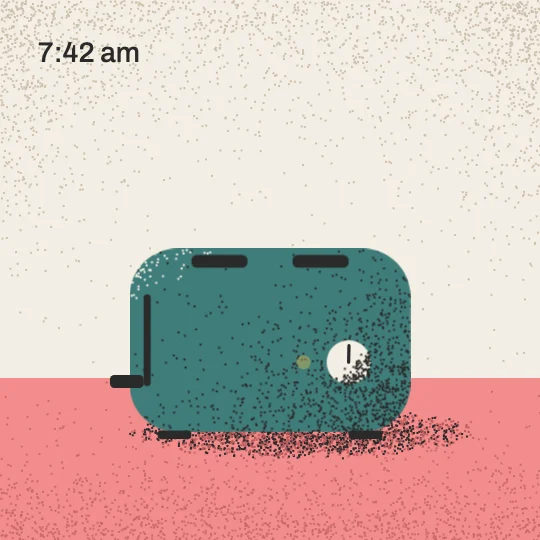
Grey photocopied scraps and photo cut-outs shouted over by two flat, loud colours.
Collage & photo · Medium
Every style is also plain text: /styles.txt lists them all, and each style page has a .md version. The API needs no key: GET /api/v1/styles, GET /api/v1/styles/<code>, and POST /api/v1/styles/suggest with a transcript for a few suggestions with a reason each. With the Slice connector, your AI can call get_visual_style and suggest_visual_styles itself.
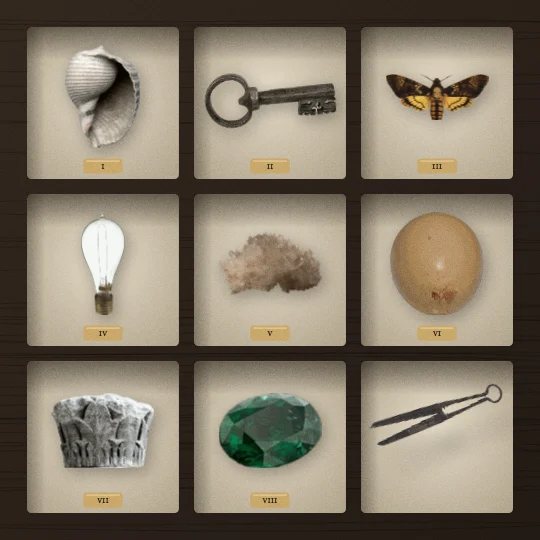
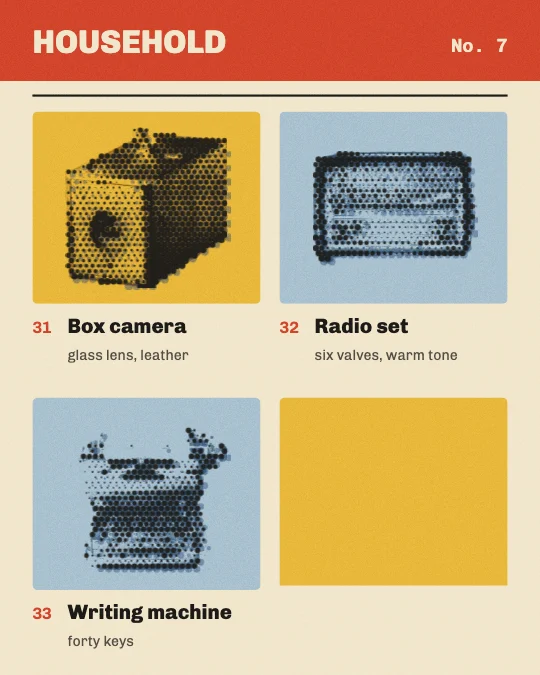
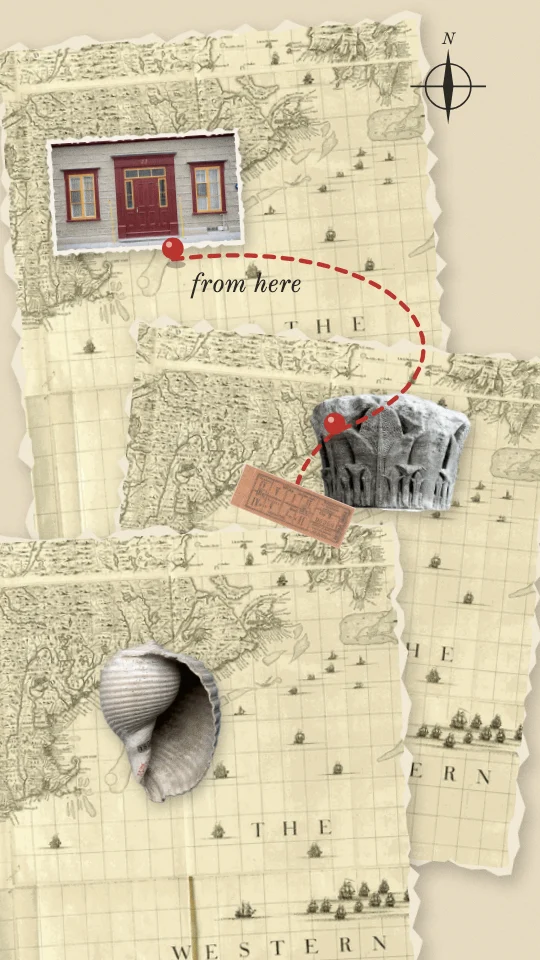
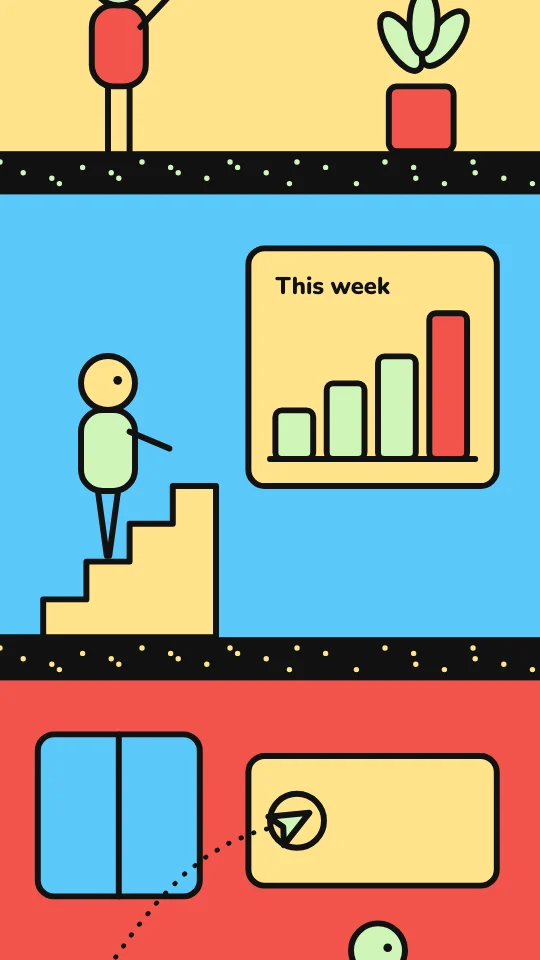
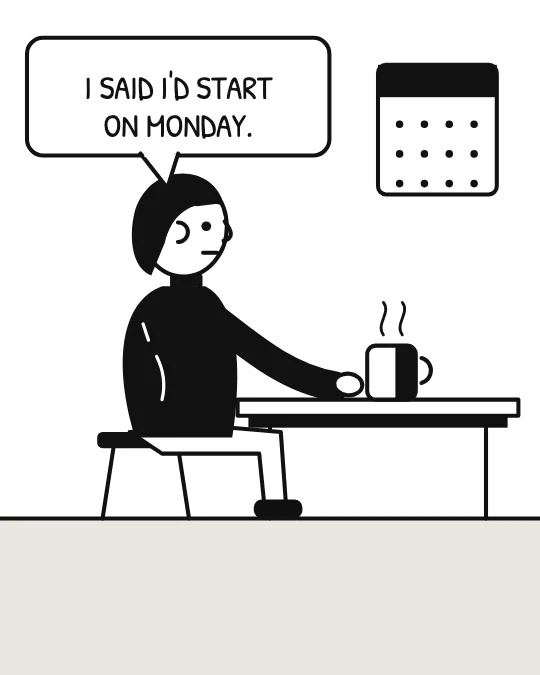
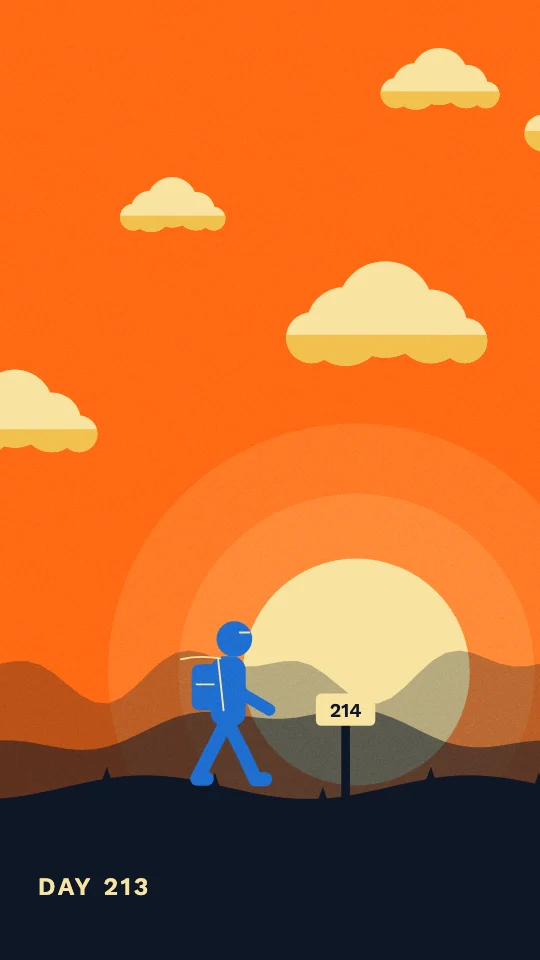
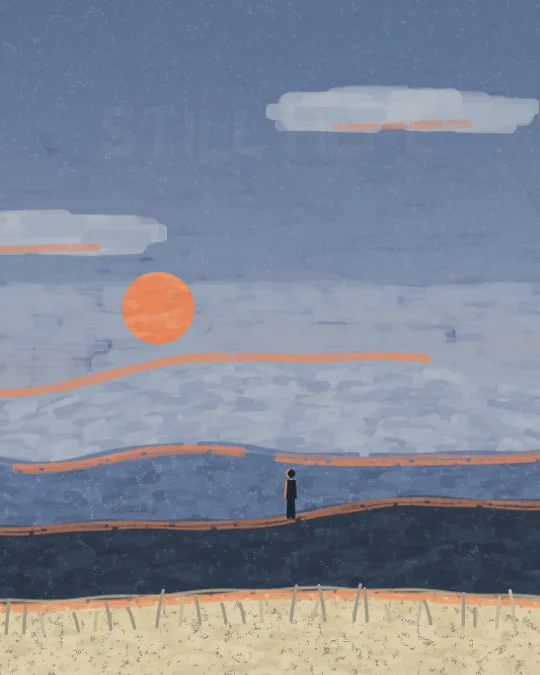
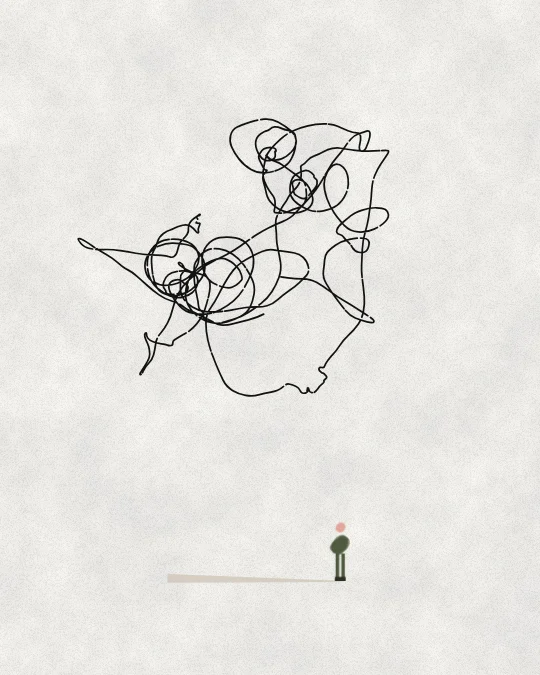
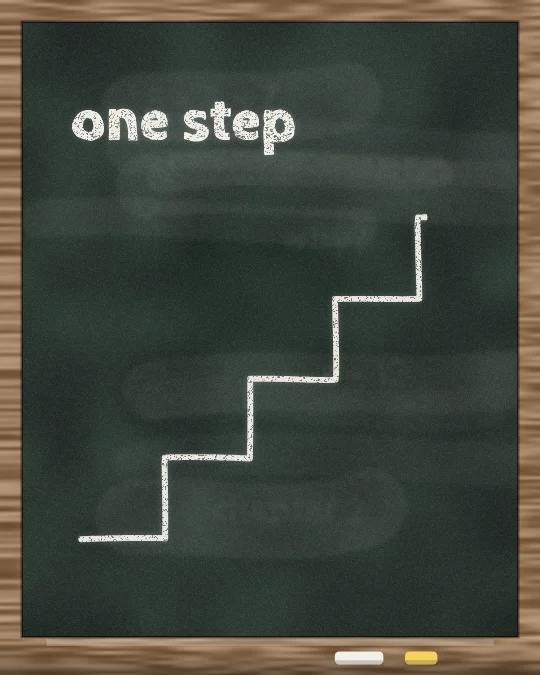
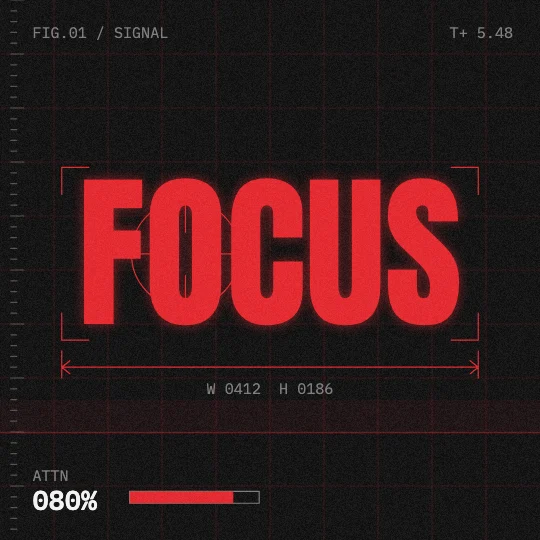
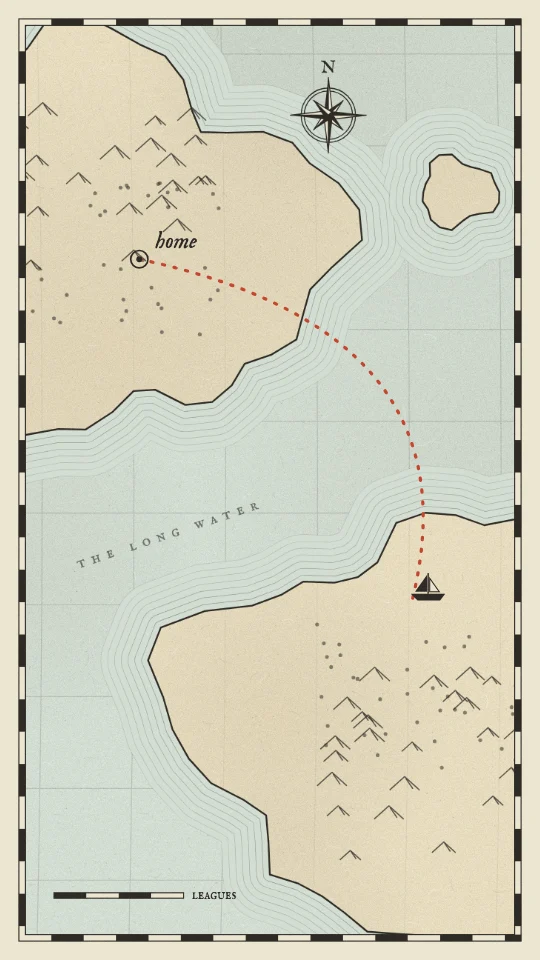
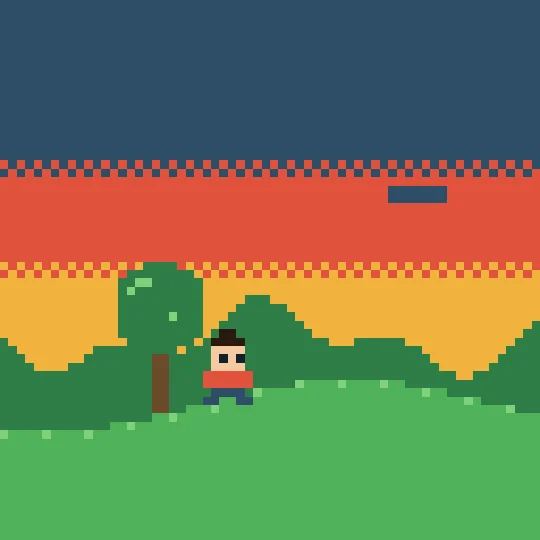
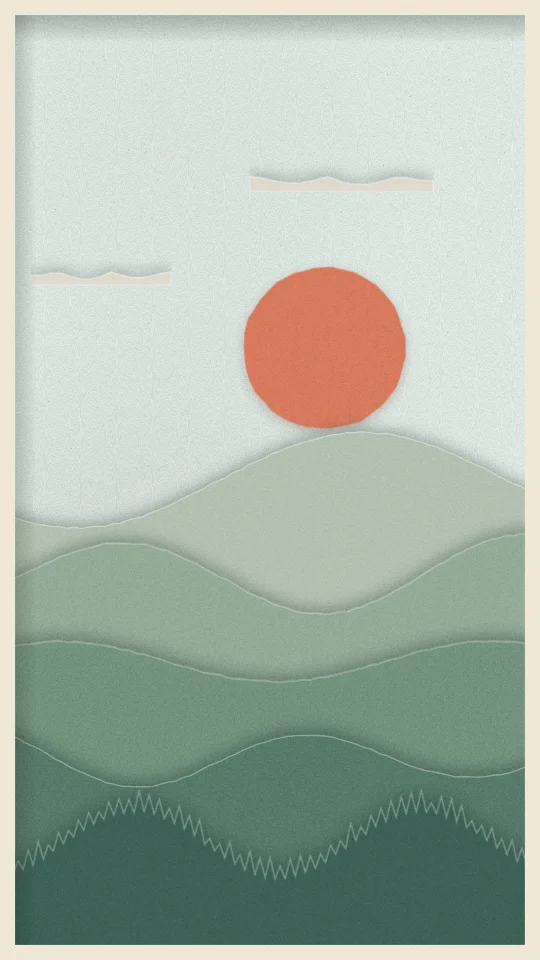
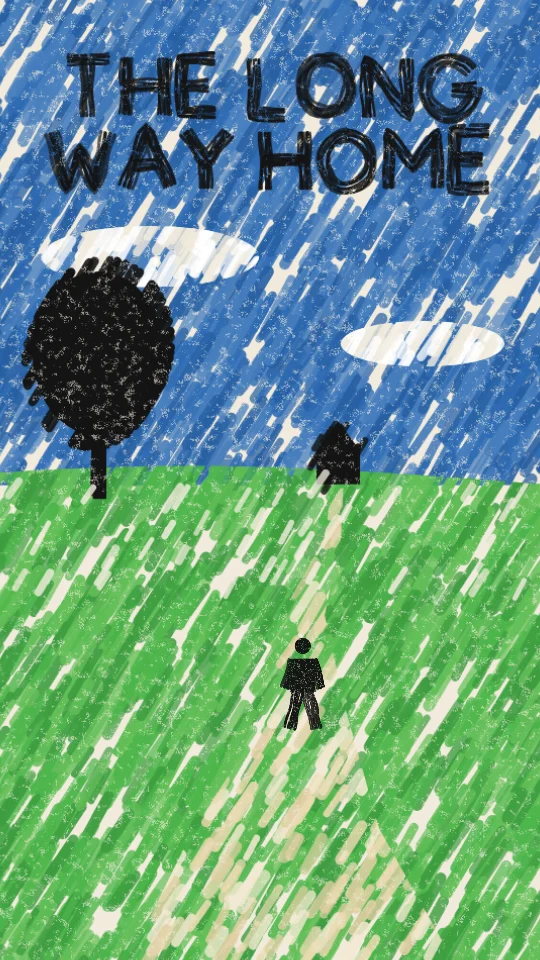
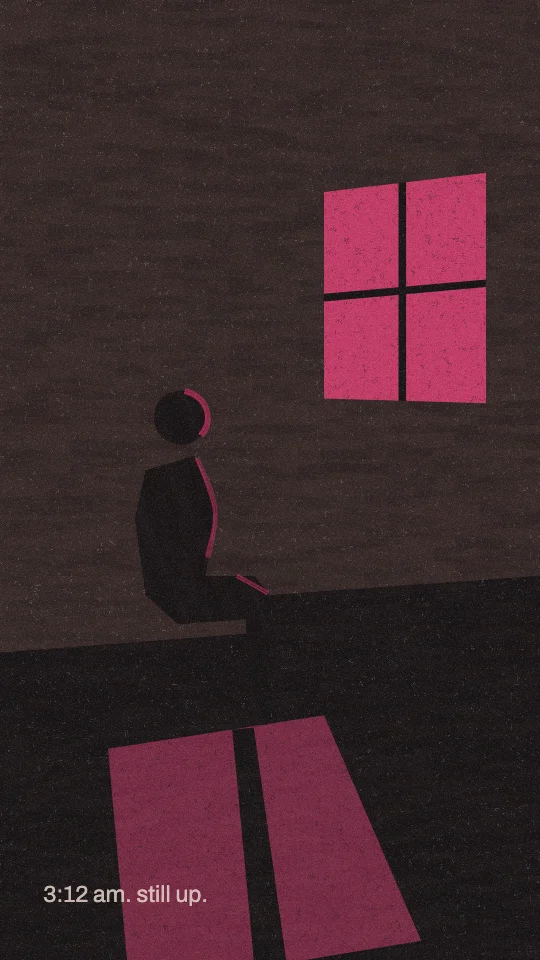
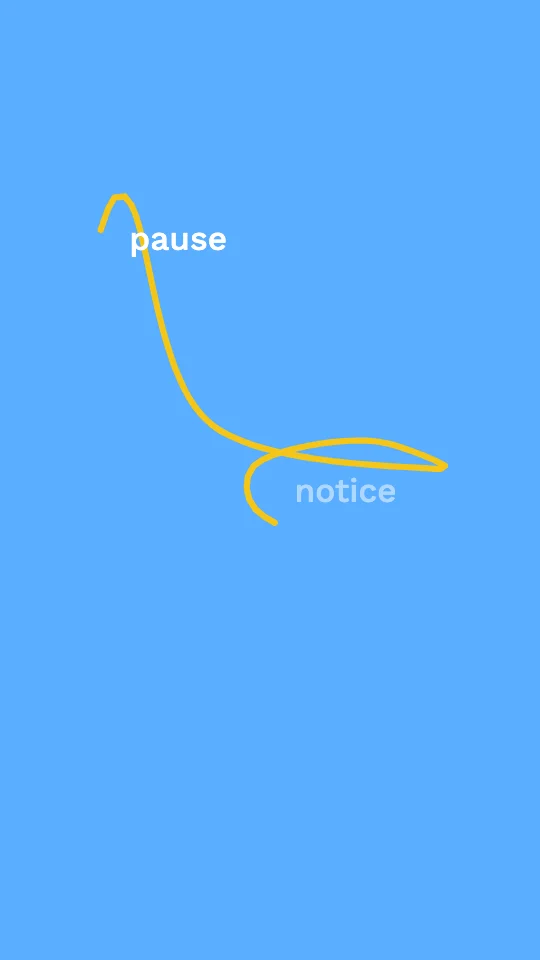
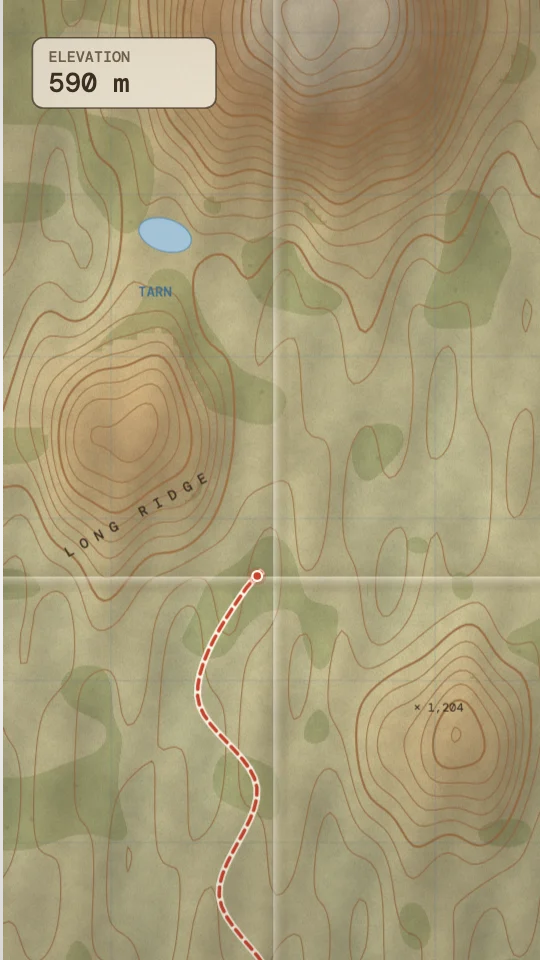
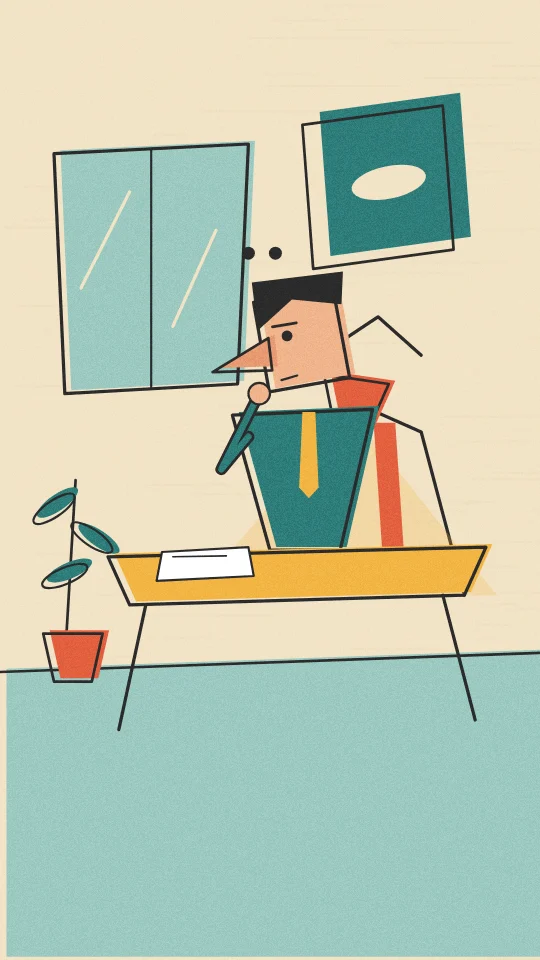
A look and feel for the pictures in a short clip: the materials, colours, textures and the way things move. It is a moodboard, not a template. Your AI keeps the look and invents its own scenes for what your clip says.
A short code such as sref-V4RYN2 that names one style. Copy it into Claude, ChatGPT or any AI. With Slice connected, the AI looks the style up itself. Without it, the ref points to the style's page and its plain text version.
Open a style and copy one of its two prompts. "Any AI" holds the whole look plus the rules for telling the clip's story. "With Slice connected" is short, because the AI reads the style from Slice. Paste it with your clip's transcript.
Pick by feel, or let Slice suggest. Send a transcript or a script to the suggest endpoint, or ask your AI with Slice connected, and you get a few styles with a short reason each. They are only suggestions: choose one, mix them, or use none.
Browsing, copying refs and prompts, the plain text records and the suggest endpoint are free and need no account. An account lets you keep favourites.
Yes. Shorts by Slice turns a long episode into captioned clips, and with Slice connected your AI can build visual scenes on top of a clip in any of these looks.
Upload a long episode and Shorts by Slice finds the moments worth posting and cuts them with captions. Then give your clip one of these looks.
Shorts by Slice
From the team behind these free tools
One video. A week of posts.
Upload an episode and get back the moments worth posting, cut and captioned.