Checked 30 September 2026
The OpusClip alternative for long podcasts and streams (2026)
OpusClip is the best-known AI clipper, and it does a lot. People look for an alternative for two reasons that come up again and again in its reviews: credits that run out on long episodes, and billing or support trouble.
Our bias: we make Shorts by Slice. Compared from published pricing, limits, features and user reviews, checked 30 September 2026. We did not test OpusClip hands-on, and where it is the better choice we say so.
Slice vs OpusClip
| Shorts by Slice | OpusClip | |
|---|---|---|
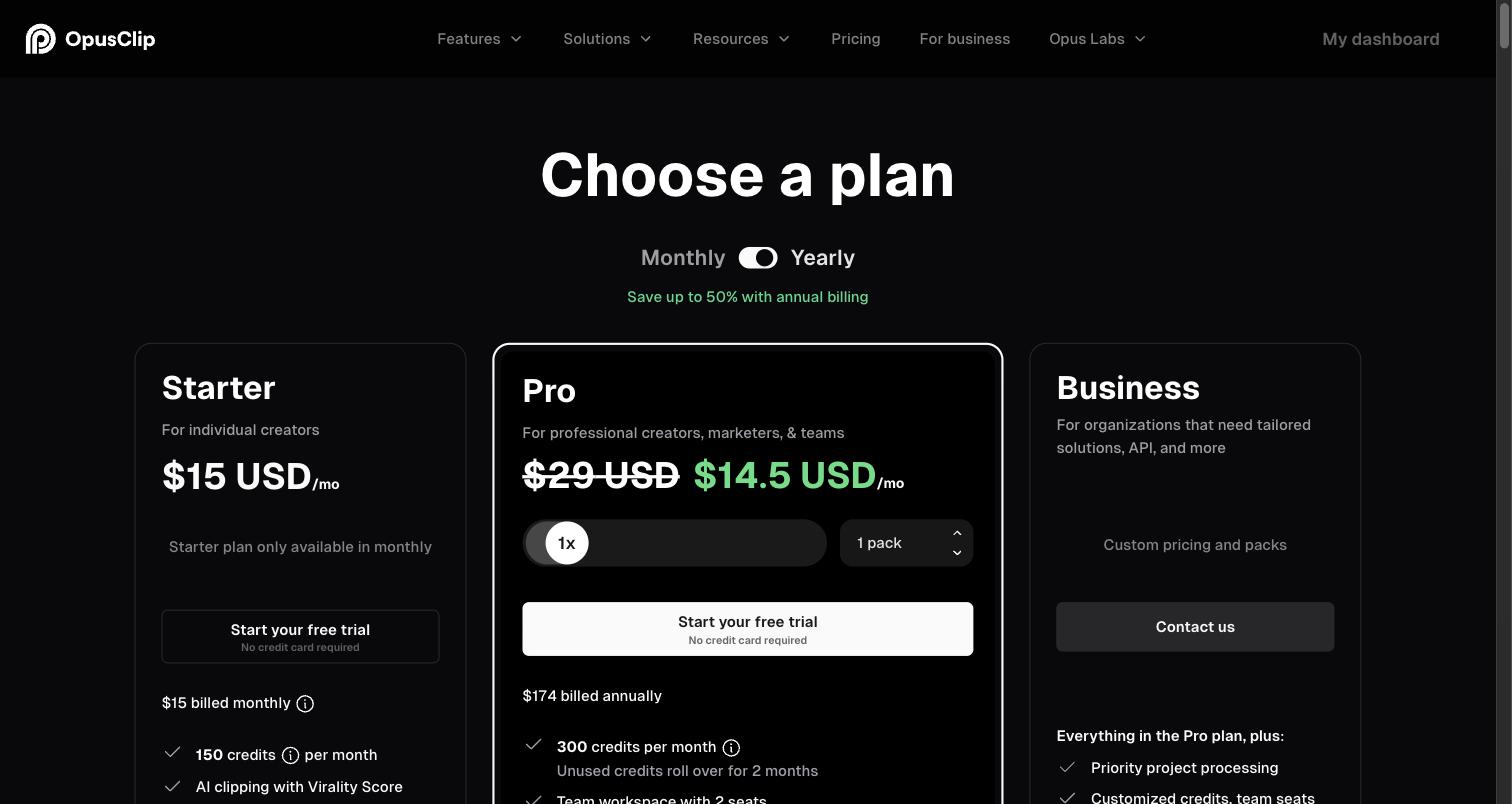
| Price | $14.99/month or $149/year | Free; $15/month Starter; $29/month Pro, or $14.50/month billed yearly |
| What the entry plan gets | Everything: no cap on videos, no per-export charge, no watermark | Starter: 150 minutes of source video a month, no watermark, auto-posting |
| Longest video | 3 hours and 2GB (MP4, MOV or WebM) | Up to 10 hours |
| Monthly limit | No cap on videos or exports | 150 min (Starter), 300 min per pack (Pro); monthly-plan credits expire after 60 days |
| Watermark | Never, trial included | On the free plan |
| Link import | No: you upload a file | Public MP4 link import on Pro |
| Posting | No: you download and post | Auto-post (Starter); scheduler for 6 accounts (Pro) |
| Captions and languages | Captions in the speaker's language; fonts cover Latin scripts and Hebrew | Captions with emoji and keyword highlights; language count not in our check |
| Reviews | No third-party ratings to report yet | Trustpilot 4.0 (499), G2 4.6 (121), Capterra 3.6 (5), Product Hunt 4.5 (78) |
OpusClip’s figures from its pricing page and review sites, 30 September 2026. Prices in US dollars.
Choose OpusClip if…
- You want it to post and schedule for you.
- You want a virality score, prompt-based clipping, b-roll or an XML export for Premiere or Resolve.
- Your videos run past 3 hours (it takes up to 10).
- You want the free plan and do not mind a watermark while you try it.
Choose Slice if…
- You clip long episodes every week. A 3-hour episode is 180 OpusClip credits, more than a month of Starter; on Slice it is one upload with no cap.
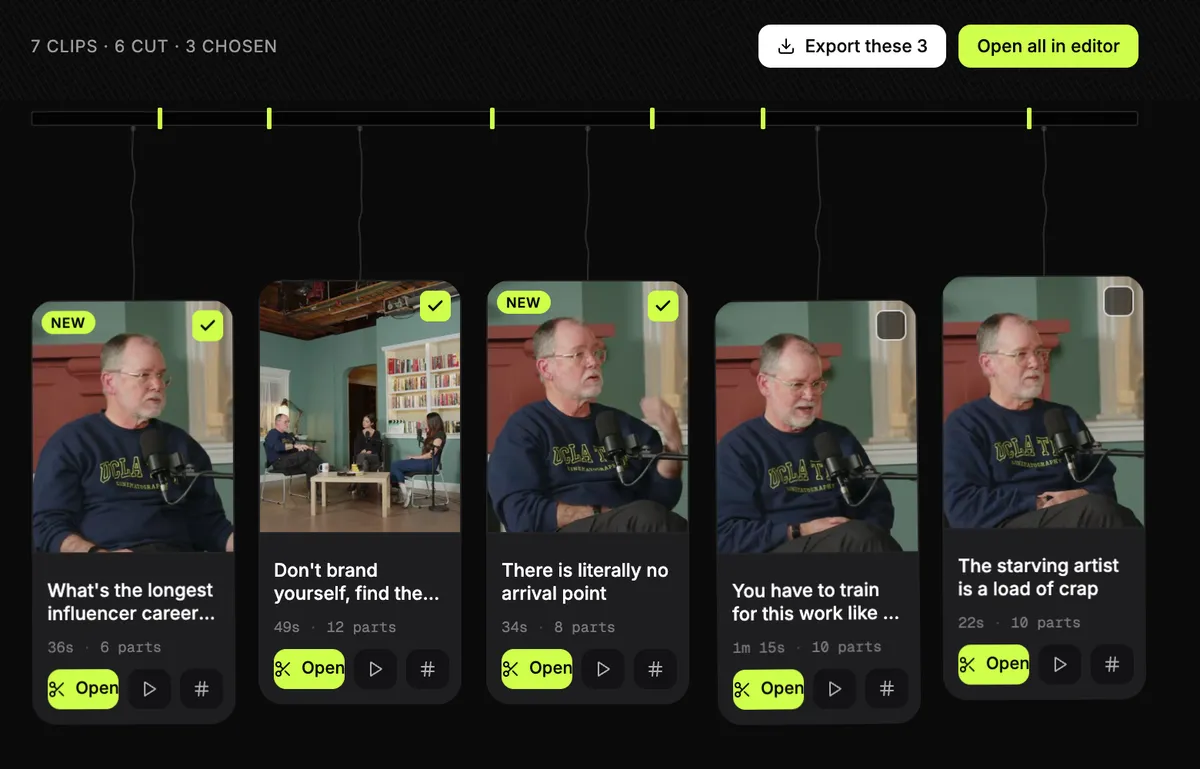
- You want to tick a dozen clips and export them together, with one email and one zip.
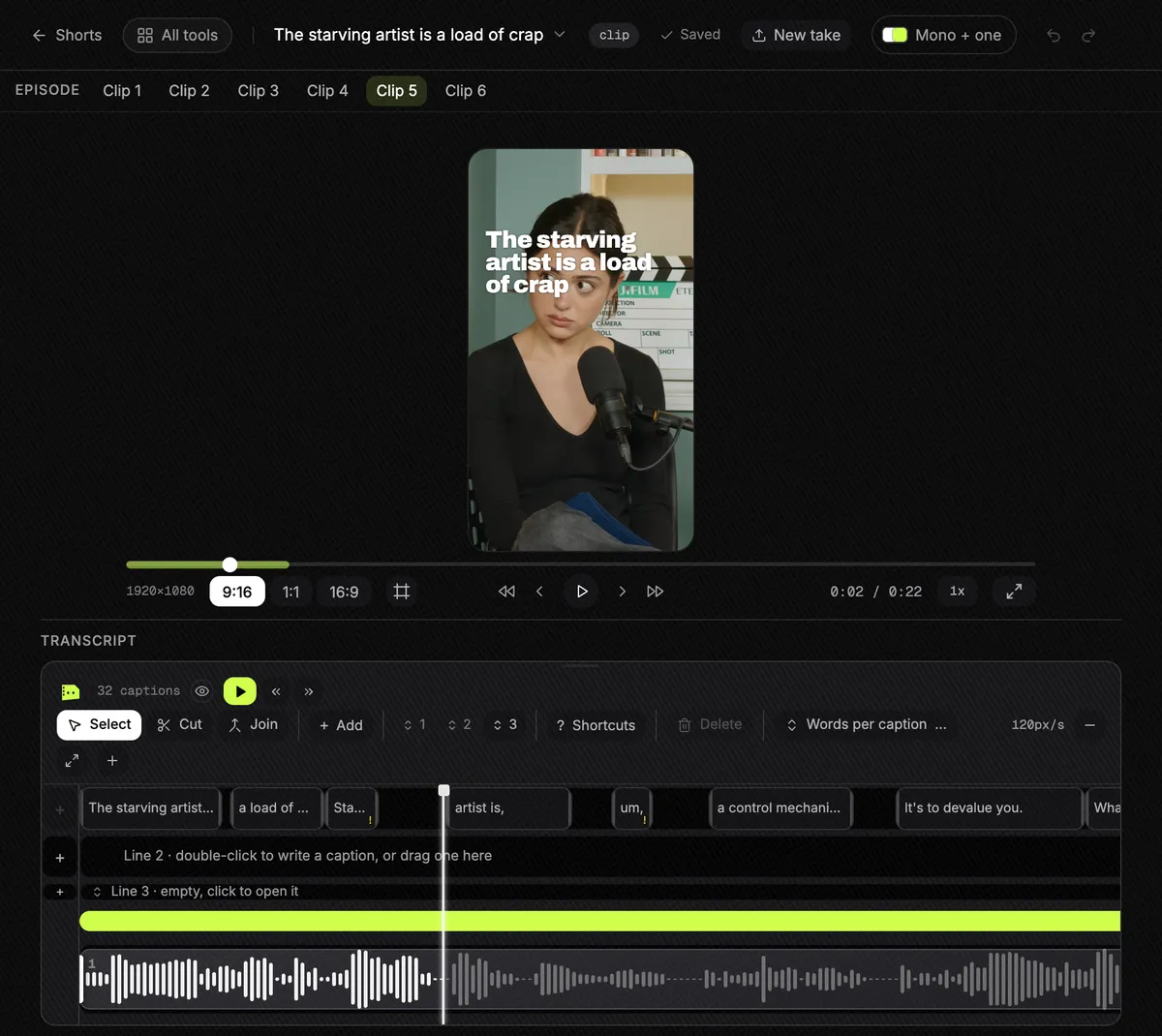
- You want clips that join moments from different parts of the episode, without rewriting what anyone said.
- You want a single price with nothing metered.
OpusClip, in short
Best for creators who want clipping, b-roll and scheduled posting in one tool, and whose monthly footage fits a minutes-based credit budget.
Pricing, in plain words
- Free: 60 credits a month (one credit is one minute of source video), watermarked, 1080p, and you have 3 days to export.
- Starter: $15 a month, monthly billing only. 150 credits a month, no watermark, a 30-day export window, and auto-posting to YouTube Shorts, TikTok and Reels.
- Pro: $29 a month, or $14.50 a month billed yearly ($174 a year). 300 credits a month per pack, rolling over for 2 months; up to 4K, a scheduler for 6 accounts, 2 seats per pack, 30GB uploads, public MP4 link import and limited API access.
- Business: custom pricing.
- Credits on monthly plans expire after 60 days.
What OpusClip’s reviewers say
| Site | Rating | Reviews |
|---|---|---|
| Trustpilot | 4.0 / 5 | 499 |
| G2 | 4.6 / 5 | 121 |
| Capterra | 3.6 / 5 | 5 |
| Product Hunt | 4.5 / 5 | 78 |
Praise: Easy to use; Saves time; Picks good moments; Captions with emoji and keyword highlights; Active-speaker reframe.
Recurring complaints: Support unresponsive or AI-only (7 of 16); Charged after cancelling, or refund refused (6 of 16); Bugs or failed uploads (5 of 16); Weak clip choice (2 of 16).
Source: Trustpilot 1-2 star reviews, 16 reviews from June to September 2026. A sample, not every review. Read them on Trustpilot.
“a funnel to upsell you at every click”A reviewer on Product Hunt
Slice, in short
Best for podcasters and clippers who cut long episodes and streams into lots of clips and export them in one go.
$14.99 a month or $149 a year, with a 3-day free trial and no card. It does not post, schedule or add b-roll, and you upload a file rather than paste a link.
Questions
Is Slice cheaper than OpusClip?
Month to month, Slice is $14.99 and OpusClip Starter is $15, so they cost about the same. The difference is the limit: Starter gives 150 minutes of source video a month, and Slice has no cap. OpusClip Pro billed yearly is $14.50 a month for 300 minutes. Prices checked 30 September 2026.
Does OpusClip take longer videos than Slice?
Yes. OpusClip's help centre says up to 10 hours. Slice takes up to 3 hours and 2GB.
Can Slice post to TikTok or YouTube for me?
No. Slice gives you the finished files and post-ready text to paste. OpusClip can auto-post and schedule.
What do people complain about with OpusClip?
In 16 Trustpilot 1-2 star reviews from June to September 2026, the common threads were support that did not answer or was AI-only (7), being charged after cancelling or refused a refund (6), and bugs or failed uploads (5). That is a sample of its negative reviews; its overall Trustpilot score is 4.0 from 499 reviews.
How was this compared?
Compared from published pricing, limits, features and user reviews, checked 30 September 2026. OpusClip's figures are from its own pricing page, help centre and review pages. We did not test OpusClip hands-on. We make Slice.
More comparisons
- Best AI clipping tools for podcasts and streams (2026)
- The Klap alternative
- The Vizard alternative
- The Submagic alternative
- AI clip tools compared: prices and caps in one table
Try Shorts by Slice on your next episode. If OpusClip fits you better, use it.