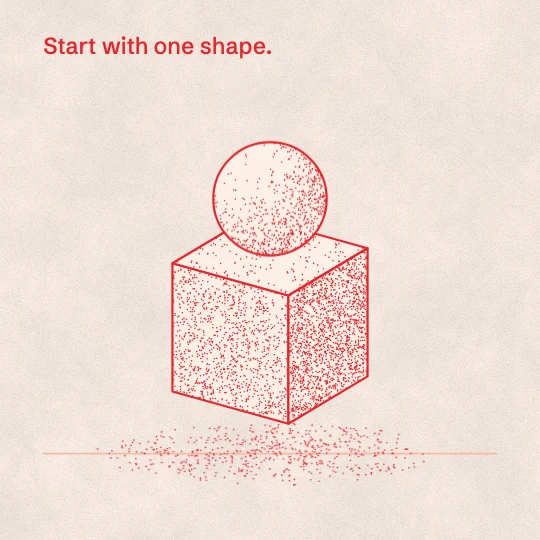
sref-ZN5KRP
everything drawn and shaded in one red ink, stippled grain for shadow.
Print & press · Calm
Preview is 4:5. Pick a shape to put it in the prompt; otherwise your AI asks you.
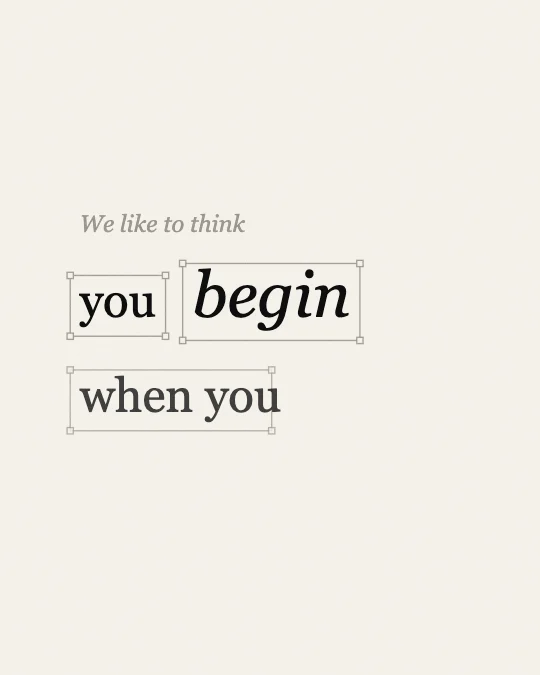
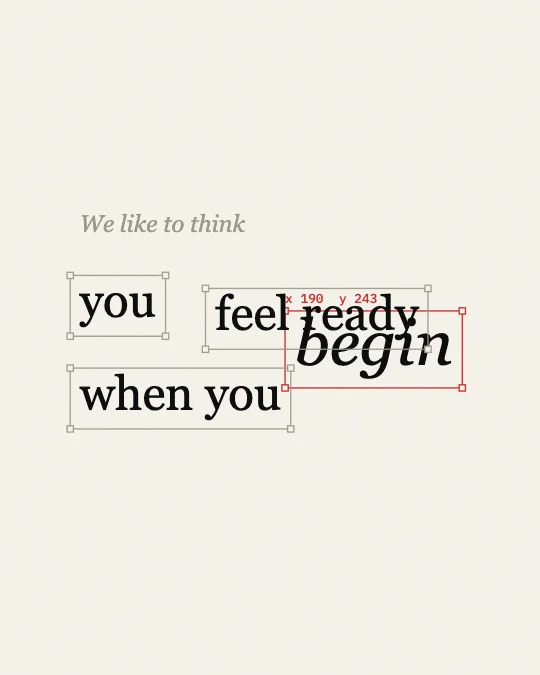
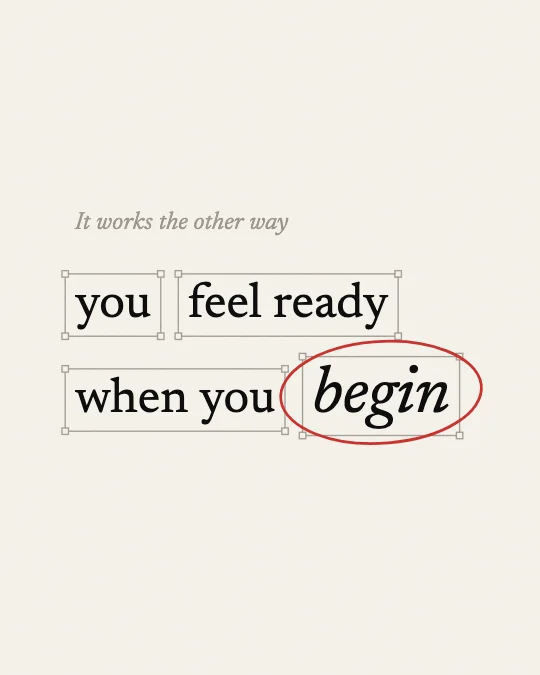
A calm paragraph of editorial serif where one word moves and the rest make room.
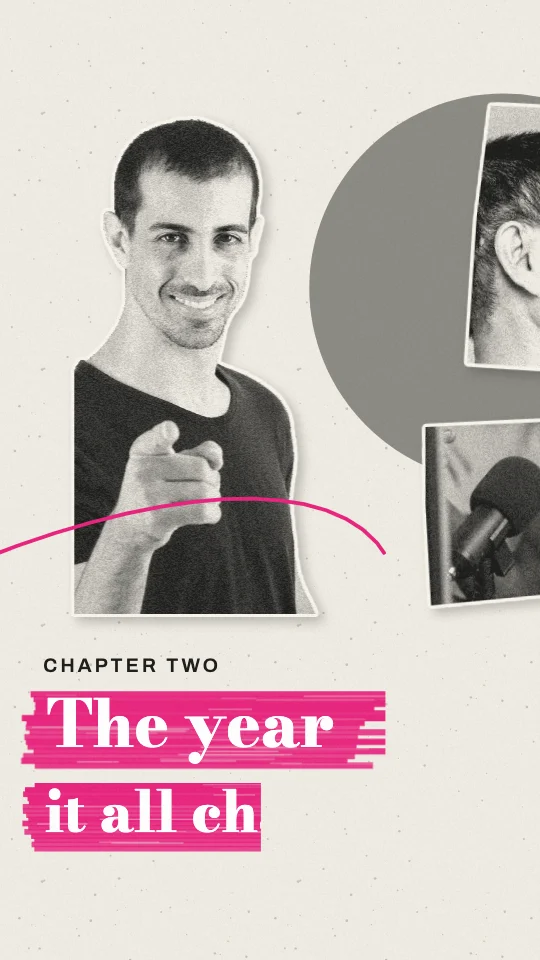
Set most of the clip as a full-frame paragraph that reflows as the argument moves, cutting back to the speaker once or twice for the conclusion.
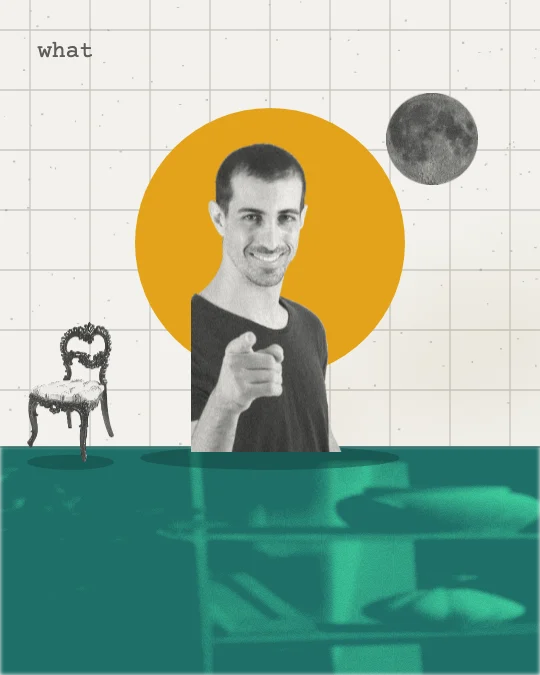
Full scene: the scene fills the frame. Stock speaker from Pexels.
THIS IS A MOODBOARD, NOT A TEMPLATE. The style below is inspiration for the look and feel. Keep its materials, colours, textures and the way it moves, but invent your own scenes, characters and objects for this clip. You are not limited to anything shown in the preview, and nothing in it has to appear. Use illustration and animation to help tell the clip's story.

STORY FIRST. Read the whole clip before you design anything.
1. Write the clip's arc in one line: setup, tension, turn, pay-off. Name the one line that is the reveal.
2. Tag every sentence with its job: setup, context, tension, turn, reveal, example, number, contrast, list, quote, feeling, metaphor, callback, pay-off, aside.
3. The visuals carry the whole clip. If the clip shows the speaker's face, open on them (the first scene keeps them on screen) unless the person says otherwise. After that, never cut back to the speaker full-frame unless the person asks for it; if they do, only on the ending, never in the middle of an explanation. The speaker can still sit inside a scene (a corner, a split or drawn in) when the person wants to be seen.
4. Build one flowing visual story, not a new picture per sentence. Each scene covers a whole thought (one to three sentences), holds 3 to 8 seconds and turns into the next.
5. Start each scene on the first word of its sentence, or up to half a second before. Never cut mid-sentence.
6. Inside a scene, bring small details in on the words they show (an item, a tag, a tick). Earlier details stay.
7. Choose one or two recurring objects or characters in the first scene and bring them back changed. Callbacks beat new pictures.
8. Build up the same picture where you can (add to it, move the camera across it) instead of replacing it.
9. Energy: about 80 percent still, drifting or gentle. Allow one big move in the whole clip, on the reveal, for 1 to 2 seconds, then settle and hold.
10. Numbers sit on a scale (gauge, bar, table, timeline) and hold long enough to read. Contrasts are a still split or the same layout twice.
11. Feelings get a quiet image, or one of the cuts back to the speaker; never effects.
12. On-screen text names, labels or quotes; it never repeats the caption. Five words or fewer per label.
13. End every scene by settling or thinning out, or by turning into the next scene. No exit effects.
14. The style sets the look. These rules set when, how long and how calmly. If the style's own motion rules ask for more energy than this, use less.

VISUAL STYLE: Editorial reflow
Slice style ref: sref-VAGTB0
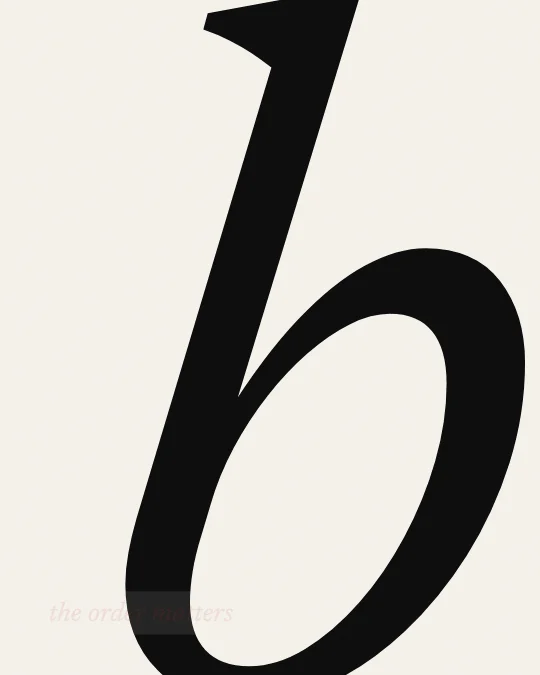
Look and motion: Editorial reflow. Warm white paper #F4F1EA with a faint grain, or the reverse on #0E0E0E black. Type #0E0E0E in a high-contrast classic text serif, roman for the sentence and italic for the one accent word, which is also set larger; #9C978D grey for small lead lines and idle outlines; #C8332F red only for the active selection and the hand-drawn circle callout. Every phrase sits in a thin 1 px design-tool selection box with small square handles at the corners; the moving box turns red and shows a tiny monospace x and y readout. Generous margins, left aligned, real line spacing. Light flat; camera locked, with one occasional slow macro zoom into a single huge letterform. Motion: phrases fade up gently on their words; then one key word lifts and glides to a new line while the other phrases slide into its old place, so the sentence changes meaning by reordering. Everything eases in and out, nothing bounces, and long holds dominate. The one rule: one word moves; the paragraph rearranges around it. Don'ts: no bold sans, no bright colours, no bouncy easing, no more than one moving word at a time.
Accent: as in the palette.
Frame shape: ask me before you start (9:16 vertical, 4:5 portrait, 1:1 square or 16:9 wide).
Energy: normal.

TECH: one HTML file, one GSAP 3 timeline created paused as window.__timelines.main, duration = the scene's length, transforms and opacity only.
For AIs: this style as plain text.
Need the clip first? Shorts by Slice cuts your long episode into captioned clips. Then give one this look.
Try Shorts by SliceShorts by Slice cuts your long episode into captioned clips. With Slice connected, your AI can then build scenes for a clip in Editorial reflow.
Shorts by Slice
From the team behind these free tools
One video. A week of posts.
Upload an episode and get back the moments worth posting, cut and captioned.