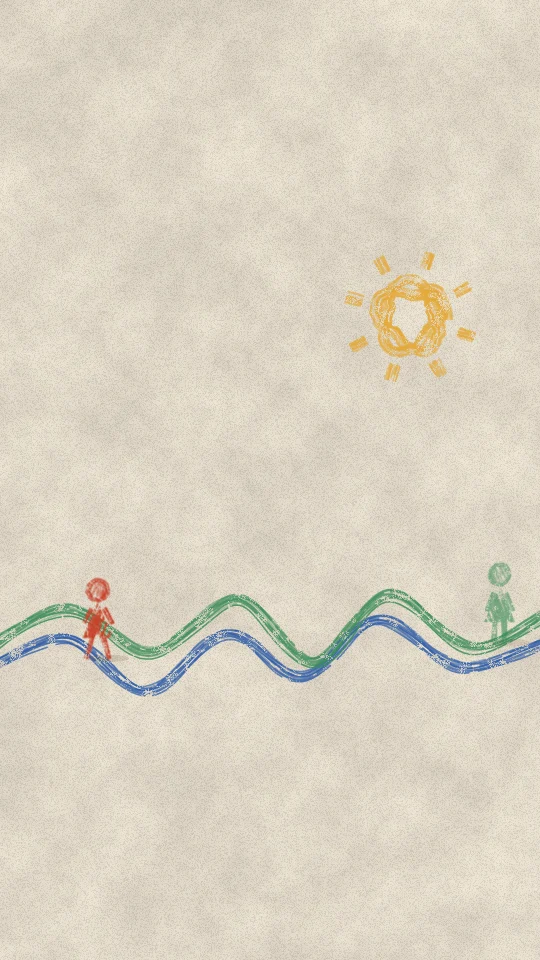
sref-CHG3S5
coloured-pencil lines wander across cream paper, tiny figures stand on them.
Drawn & painted · Calm
Preview is 9:16. Pick a shape to put it in the prompt; otherwise your AI asks you.
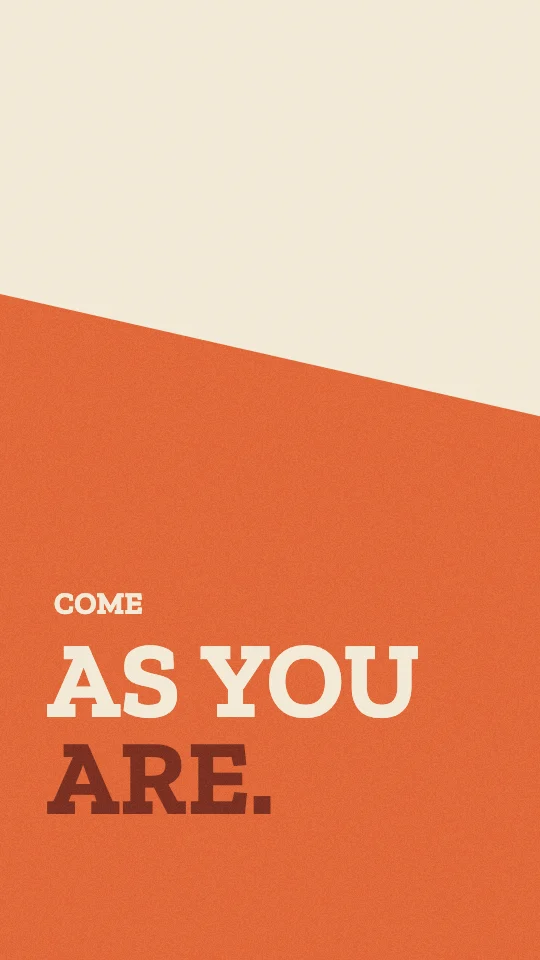
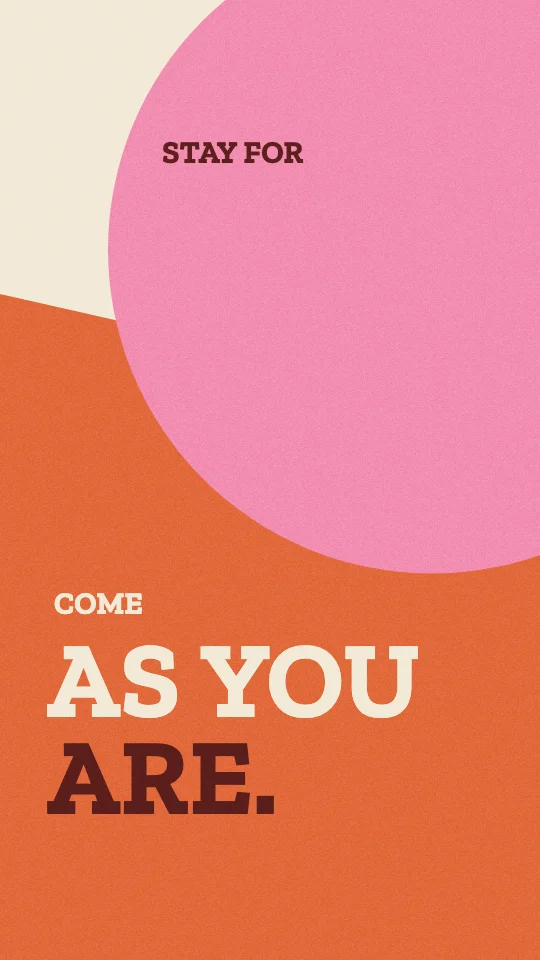
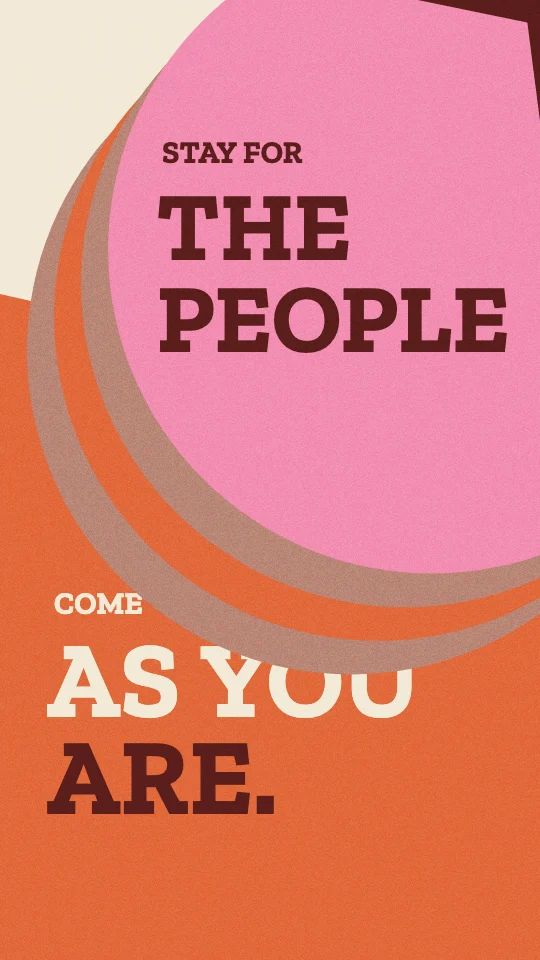
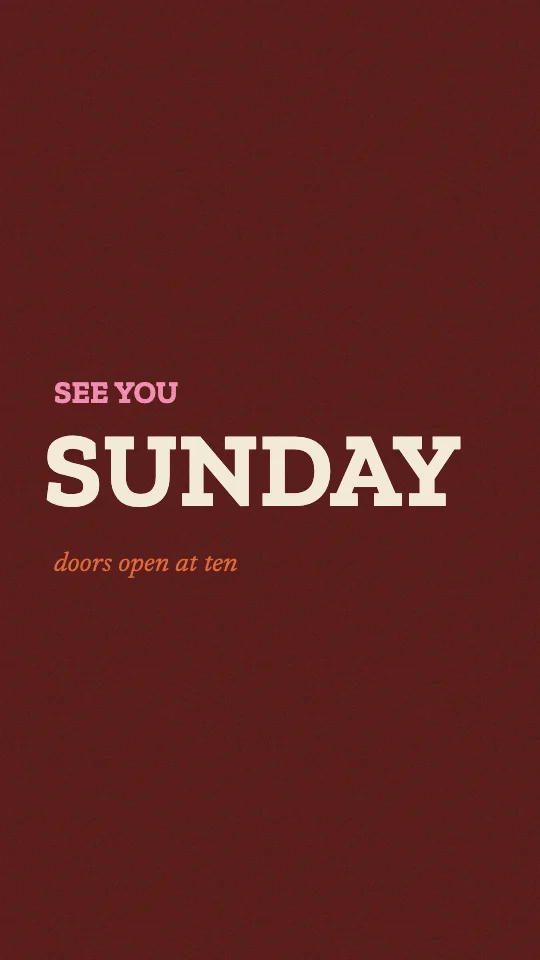
Warm flat shapes wipe across the frame to reveal small and big type.
Run most of the clip as full-frame warm shape wipes revealing the welcome words and details, cutting back to the speaker once or twice.
Full scene: the scene fills the frame. Stock speaker from Pexels.
THIS IS A MOODBOARD, NOT A TEMPLATE. The style below is inspiration for the look and feel. Keep its materials, colours, textures and the way it moves, but invent your own scenes, characters and objects for this clip. You are not limited to anything shown in the preview, and nothing in it has to appear. Use illustration and animation to help tell the clip's story.

STORY FIRST. Read the whole clip before you design anything.
1. Write the clip's arc in one line: setup, tension, turn, pay-off. Name the one line that is the reveal.
2. Tag every sentence with its job: setup, context, tension, turn, reveal, example, number, contrast, list, quote, feeling, metaphor, callback, pay-off, aside.
3. The visuals carry the whole clip. If the clip shows the speaker's face, open on them (the first scene keeps them on screen) unless the person says otherwise. After that, never cut back to the speaker full-frame unless the person asks for it; if they do, only on the ending, never in the middle of an explanation. The speaker can still sit inside a scene (a corner, a split or drawn in) when the person wants to be seen.
4. Build one flowing visual story, not a new picture per sentence. Each scene covers a whole thought (one to three sentences), holds 3 to 8 seconds and turns into the next.
5. Start each scene on the first word of its sentence, or up to half a second before. Never cut mid-sentence.
6. Inside a scene, bring small details in on the words they show (an item, a tag, a tick). Earlier details stay.
7. Choose one or two recurring objects or characters in the first scene and bring them back changed. Callbacks beat new pictures.
8. Build up the same picture where you can (add to it, move the camera across it) instead of replacing it.
9. Energy: about 80 percent still, drifting or gentle. Allow one big move in the whole clip, on the reveal, for 1 to 2 seconds, then settle and hold.
10. Numbers sit on a scale (gauge, bar, table, timeline) and hold long enough to read. Contrasts are a still split or the same layout twice.
11. Feelings get a quiet image, or one of the cuts back to the speaker; never effects.
12. On-screen text names, labels or quotes; it never repeats the caption. Five words or fewer per label.
13. End every scene by settling or thinning out, or by turning into the next scene. No exit effects.
14. The style sets the look. These rules set when, how long and how calmly. If the style's own motion rules ask for more energy than this, use less.

VISUAL STYLE: Shape wipe
Slice style ref: sref-AHHAKK
Look and motion: Shape wipe. Warm flat palette only: #F2EAD7 cream ground, #E1693A orange, #B98676 dusty clay, #F28DB2 pink and #5A1E1B oxblood, with a faint paper grain. Flat shapes, angular slabs, polygons and circles, no outlines. Type: a warm slab in capitals, set in pairs, a small line then a big line, sitting on and clipped inside the shapes; asides in a small italic serif, sometimes turned 90 degrees up the side of the frame. Light flat; camera locked. Motion: each new thought arrives with a shape: polygon edges sweep in from off-frame, each corner on a slight stagger, with a smooth eased overshoot that settles; circles grow from an edge. Type then pops in pairs, small then big, on the spoken words. Once per piece, a shape squashes or steps out duplicates of itself in a rhythm. Shapes, not cuts, do every transition, and the frame holds calm between them. The one rule: shapes do the transitions; type sits on the shapes. Don'ts: no photos, no hard cuts, no cold colours, no outlines.
Accent: as in the palette.
Frame shape: ask me before you start (9:16 vertical, 4:5 portrait, 1:1 square or 16:9 wide).
Energy: normal.

TECH: one HTML file, one GSAP 3 timeline created paused as window.__timelines.main, duration = the scene's length, transforms and opacity only.
For AIs: this style as plain text.
Need the clip first? Shorts by Slice cuts your long episode into captioned clips. Then give one this look.
Try Shorts by SliceShorts by Slice cuts your long episode into captioned clips. With Slice connected, your AI can then build scenes for a clip in Shape wipe.
Shorts by Slice
From the team behind these free tools
One video. A week of posts.
Upload an episode and get back the moments worth posting, cut and captioned.