Checked 6 October 2026 · 8 tools
The best podcast editing software, free and paid.
Eight editors podcasters actually use, from free (Audacity, GarageBand, DaVinci Resolve) to paid (Descript, Audition, Hindenburg, Reaper, Alitu): what each costs, what it runs on, and what its users say, read from each vendor's own pages.
How we chose. We picked eight widely used podcast editors covering free and paid, beginner and pro, audio-only and video podcasts. Prices, limits and platforms were read on 6 October 2026 from each vendor's own pricing, product, help-centre or App Store pages (US prices). Nothing was tested hands-on. User quotes come from Trustpilot, Reddit (r/podcasting) and App Store, and each was checked word for word against the page it links to; a quote that could not be checked is not here.
We make Slice, a few of whose tools appear here where they do the job; they are marked “ours”. No tool paid to be listed.
Which one, in ten seconds
Find the line that sounds like you.
- You want free and use Windows, Linux or a MacAudacity
- You're on a Mac, iPad or iPhone and want the simplest free startGarageBand
- You'd rather edit by deleting words in a transcriptDescript
- You want everything (recording, clean-up, hosting) done for you in a browserAlitu
- You make interview or narrative shows and want a spoken-word-only editorHindenburg PRO
- You want a pro audio workstation without a subscriptionReaper
- You already pay for Adobe and want the industry-standard audio editorAdobe Audition
- Your podcast is on video and you want it freeDaVinci Resolve
Side by side
| Tool | Best for | Price | Free tier | Key limits | Platforms |
|---|---|---|---|---|---|
| Audacity | anyone who wants a capable editor that costs nothing, on Windows, Mac or Linux | Free | Everything. The homepage says Audacity "has always been and will always remain free for everyone" and is open source. | No transcript-based editing listed on the homepage; support is community-based (per Capterra reviewers). Cloud saving and sharing go through the separate Audio.com service. | Windows, Mac, Linux (no iPad or phone version listed on the download page) |
| GarageBand | Mac, iPad and iPhone owners who want a free, simple place to record and edit a first podcast | Free | Everything; the Mac and iPhone/iPad apps are listed as free on the App Store. | Apple only. Mac version needs macOS 15.6 or later; iPhone/iPad version needs iOS/iPadOS 26.0 or later. Apple's GarageBand page and Mac user guide are built around music and do not mention podcasts. | Mac, iPad, iPhone |
| Descript | beginners who would rather edit a podcast by editing its transcript like a document | Free; $24/month Hobbyist ($16/month billed yearly); $35/month Creator ($24 yearly); $65/month Business ($50 yearly) | 60 media minutes a month, 100 AI credits (one time), 720p export, files up to 1GB, 5GB cloud storage. Paid plans are marked watermark-free; Free is not. | Media minutes/hours count every upload. Hobbyist: 10 media hours/month, 400 AI credits, 1080p. Creator: 30 hours, 800 credits, 4K. AI credits do not roll over. Not supported on iPad or mobile browsers. | Mac, Windows, web (Chromium browsers); not iPad |
| Adobe Audition | experienced editors who want a professional audio workstation and already work in Adobe's apps | US$22.99/month (annual plan, billed monthly); also in Creative Cloud Pro | None; 7-day free trial. | Subscription only. Cancel within 14 days after the trial ends for a full refund, per Adobe's trial page. | Mac, Windows |
| Hindenburg PRO | radio-style storytellers and interview podcasters who want an editor built only for spoken word | $12/month Standard, $15/month Plus, $30/month Premium (or $99, $150, $300 a year); $399 perpetual Standard licence | None; 30-day free trial with 30 hours of transcription, no credit card needed. | Standard includes no transcription; Plus 20 hours a month; Premium 50 hours a month. Prices exclude sales tax. | Mac (macOS 13 Ventura to Tahoe, Apple Silicon), Windows 11 |
| Reaper | people who want a full professional audio workstation for a one-off $60 | $60 discounted licence (personal use or revenue under $20,000/year); $225 commercial licence | None; 60-day evaluation with full functionality. | A licence covers upgrades through version 8.99. All purchases are final. One licence can be installed on several computers if used on one at a time. | Windows, Mac, Linux |
| Alitu | non-technical beginners who want recording, automatic clean-up, editing and hosting in one browser app | $38/month, or $32/month billed yearly | None; 7-day free trial and a 30-day money-back guarantee. | Included hosting covers up to 1,000 downloads a month; $10/month more for 10,000. Transcription in 17 languages. A done-for-you editing service costs $295/month. | Web browser |
| DaVinci Resolve | video podcasters who want free editing, colour and pro audio (the Fairlight page) in one app | Free; DaVinci Resolve Studio $295 one-time ($94.99 in-app purchase on iPad) | Editing, colour and Fairlight audio, 8-bit video up to 60fps and Ultra HD 3840 x 2160, per Blackmagic's page. | AI audio tools (voice isolation, music remixer, dialogue separator) and 10-bit / above-4K video are Studio-only. iPad version needs iPadOS 18 and an A12 Bionic chip or later. | Mac, Windows, Linux, iPad |
Prices in US dollars from each vendor’s pricing page, unless a row says otherwise.
01
Audacity
Best for anyone who wants a capable editor that costs nothing, on Windows, Mac or Linux.
Price FreeFree Everything. The homepage says Audacity "has always been and will always remain free for everyone" and is open source.Runs on Windows, Mac, Linux (no iPad or phone version listed on the download page)
What it does well
- Free and open source, per the Audacity homepage.
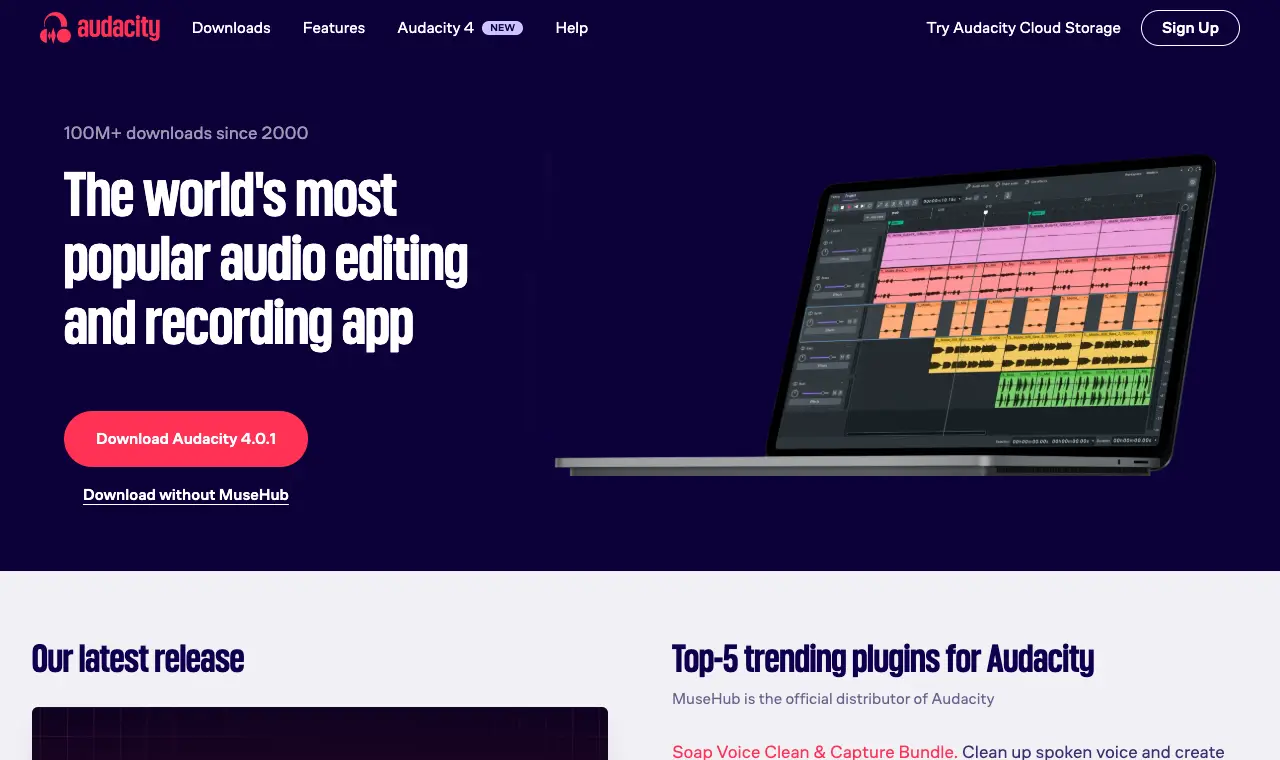
- Runs on Windows (x86_64 and ARM64), macOS (Universal, Apple Silicon and Intel) and Linux; current version 4.0.1 on the download page.
- Audacity 4 adds an updated interface and Workspaces, per the homepage.
- Audio.com, its online companion, offers versioned backups, collaboration and sharing, per the homepage.
Where it falls short
- Capterra reviewers describe a learning curve and find the number of functions overwhelming at first.
- Support is mostly community-based, as one Capterra reviewer notes.
- One Capterra reviewer found it unreliable for recording remote calls from tools like Skype or Discord.
What its users say
“Simple. Functional. Fast. Easy. It stays out of the way, and does what you tell it to do.”
“If you walk away from the recording, it is lost. Editing functions are horrible.”
“I've been editing in Audacity 5.0 all day, and I love it! Not onyl does it look nicer, it handles effects well, too.”
“i record in audacity because it's free and i already know how to crash it three times per session.”
In the directorySource pageread 6 October 2026
02
GarageBand
Best for Mac, iPad and iPhone owners who want a free, simple place to record and edit a first podcast.
Price FreeFree Everything; the Mac and iPhone/iPad apps are listed as free on the App Store.Runs on Mac, iPad, iPhone
What it does well
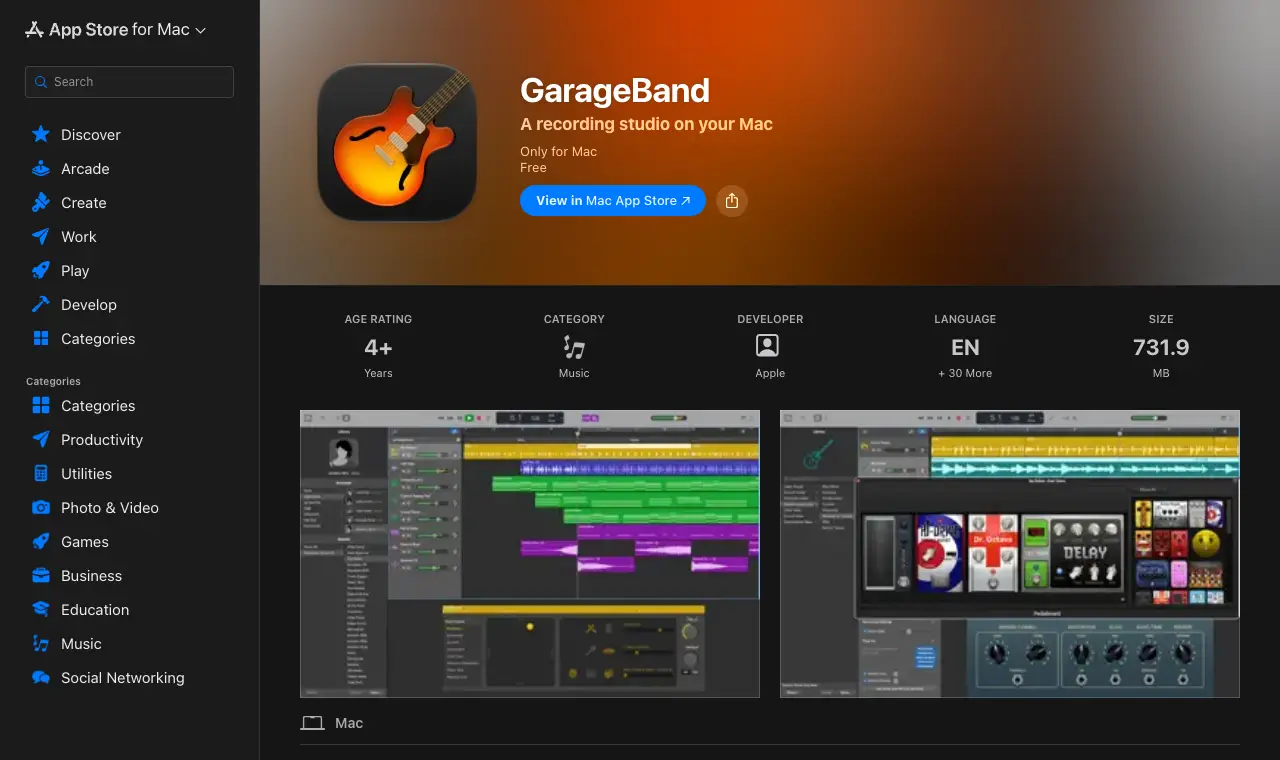
- Free on the Mac App Store and the iPhone/iPad App Store.
- The Mac user guide covers recording your voice and recording to multiple audio tracks.
- Apple's page says you can add tracks to a GarageBand for Mac song using your iPhone or iPad on the road.
Where it falls short
- No Windows or web version.
- Apple's GarageBand page and user guide do not mention podcast features; the app is designed around music.
- Requires recent OS versions (macOS 15.6+, iOS/iPadOS 26.0+) per the App Store listings.
What its users say
“If you want a simple but powerful DAW, this is the best it gets.”
“This app will treat you like you've never used a DAW in your life.”
“So for a while now I have been using GarageBand to record and edit my podcast and it’s great.”
“I started using GarageBand just cause it was already there.”
In the directorySource pageread 6 October 2026
03
Descript
Best for beginners who would rather edit a podcast by editing its transcript like a document.
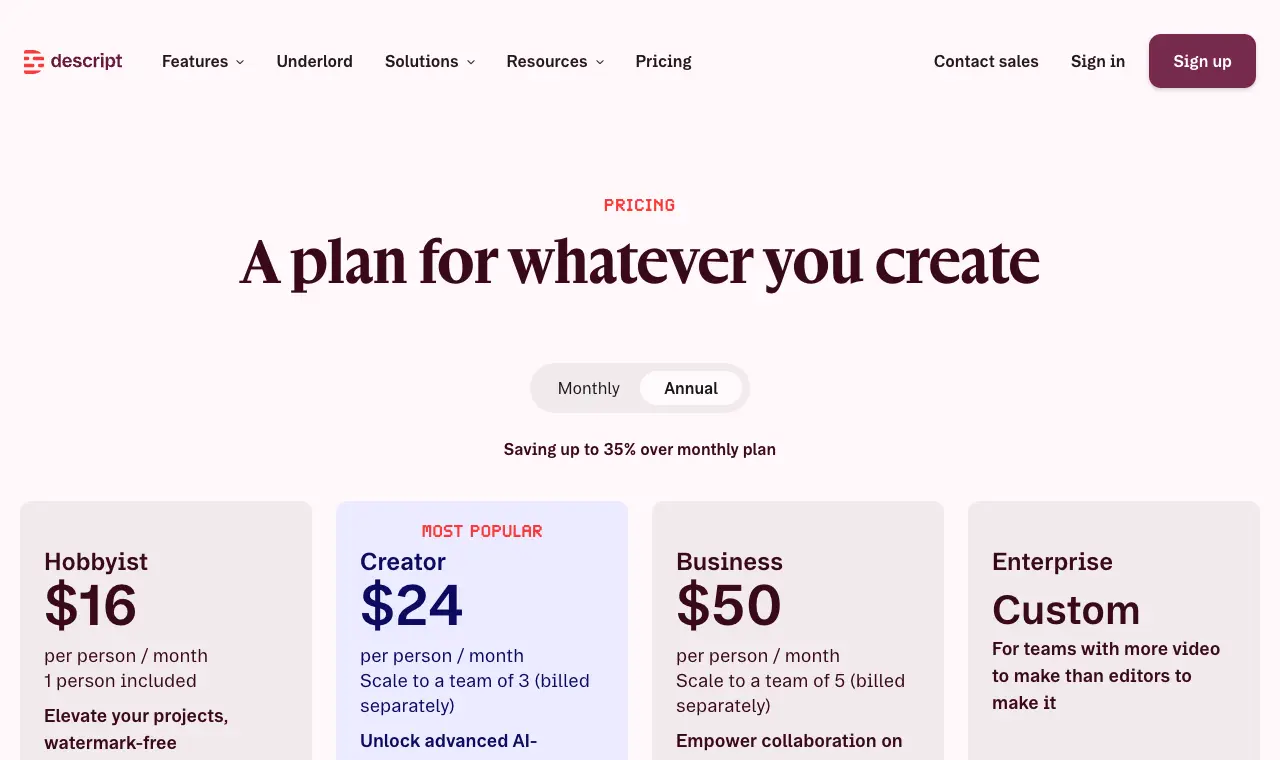
Price Free; $24/month Hobbyist ($16/month billed yearly); $35/month Creator ($24 yearly); $65/month Business ($50 yearly)Free 60 media minutes a month, 100 AI credits (one time), 720p export, files up to 1GB, 5GB cloud storage. Paid plans are marked watermark-free; Free is not.Runs on Mac, Windows, web (Chromium browsers); not iPad
What it does well
- Edit audio and video by editing the transcript, with filler-word removal (Capterra reviewers).
- Free plan includes 60 media minutes a month, per the pricing page.
- Desktop apps for macOS 14+ and Windows 11+, plus a web version, per the help centre.
- Publishes to hosting platforms such as Podbean, per the help centre index.
Where it falls short
- Trustpilot score is 2.6 from 290 reviews; complaints include hard cancellation and AI credits used up fast.
- Media hours count every upload, transcribed or not, and AI credits do not roll over (help centre).
- Not officially supported on iPads or mobile browsers (help centre).
What its users say
“I LOVE the editing via text feature, eye contact feature, removing filler, editing pauses (via the script) and copy and paste features for editing.”
“Burned through 800 credits just trying to clean up filler pauses on a short reel, and it kept deleting actual words out of the hook and desyncing the audio track.”
“I would pay for a subscription to Descript. It's a big, weird tool that I have a lot of qualms with an opinions about, but it allows you to do two things that I think will help in your specific case: 1) review your audio tape as if you are reading a document, and 2) export it to a "real" digital audio workstation / app if you ever feel like you need or wanted to.”
“I would love to do this but Descript charges so much for uploading videos now!!”
In the directoryPricing pageread 6 October 2026
04
Adobe Audition
Best for experienced editors who want a professional audio workstation and already work in Adobe's apps.
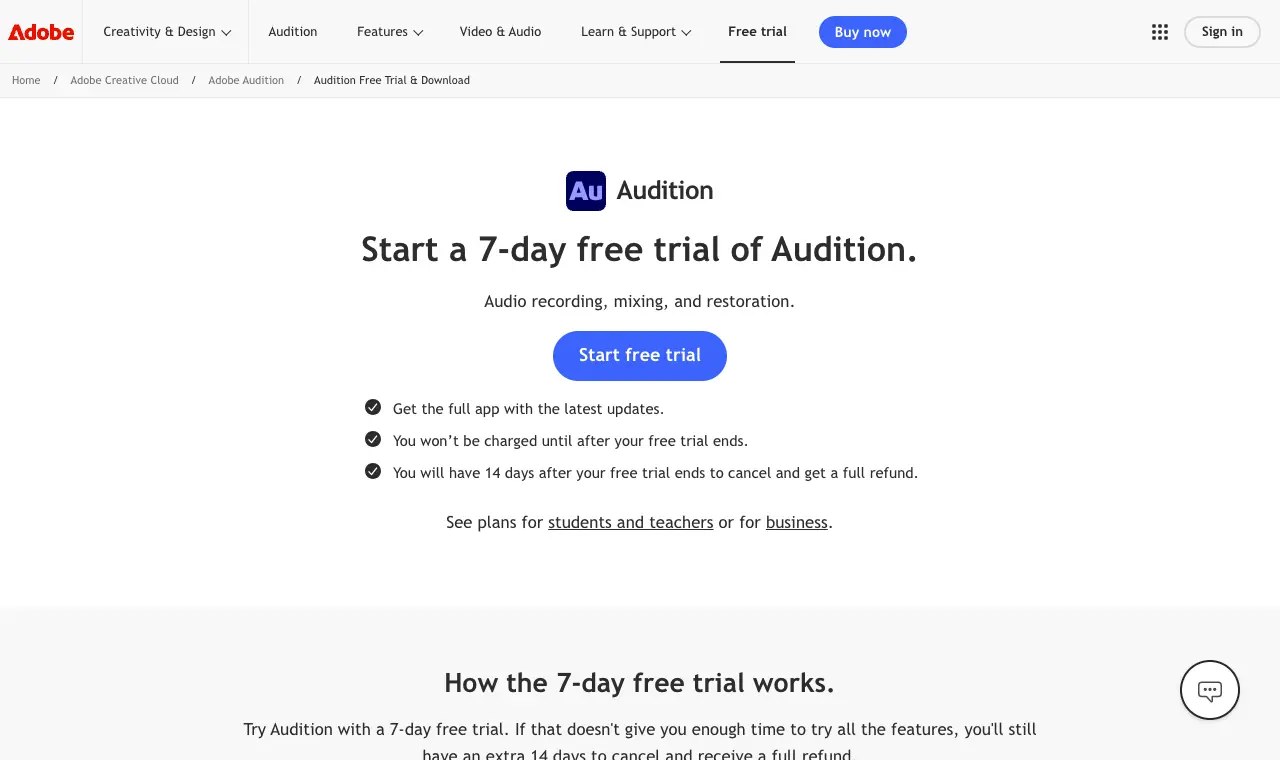
Price US$22.99/month (annual plan, billed monthly); also in Creative Cloud ProFree None; 7-day free trial.Runs on Mac, Windows
What it does well
- Multitrack, waveform and spectral editing for creating, mixing, editing and restoring audio, per Adobe's product page.
- Essential Sound panel and Noise Reduction, per the product page.
- Capterra reviewers praise its integration with other Adobe products.
Where it falls short
- Subscription only; several Capterra reviewers would rather pay once.
- Capterra reviewers describe a learning curve and an intimidating interface at first.
- One Capterra reviewer reports frequent crashes.
What its users say
“I use Adobe Audition because I get a license through work.”
“I was charged for Adobe Stock, a useless service I did not sign up for, after my free trial for Adobe Audition ended.”
“While their products are, for the most part better than anything else out there, they have absolutely no concern for their long term users.”
In the directorySource pageread 6 October 2026
05
Hindenburg PRO
Best for radio-style storytellers and interview podcasters who want an editor built only for spoken word.
Price $12/month Standard, $15/month Plus, $30/month Premium (or $99, $150, $300 a year); $399 perpetual Standard licenceFree None; 30-day free trial with 30 hours of transcription, no credit card needed.Runs on Mac (macOS 13 Ventura to Tahoe, Apple Silicon), Windows 11
What it does well
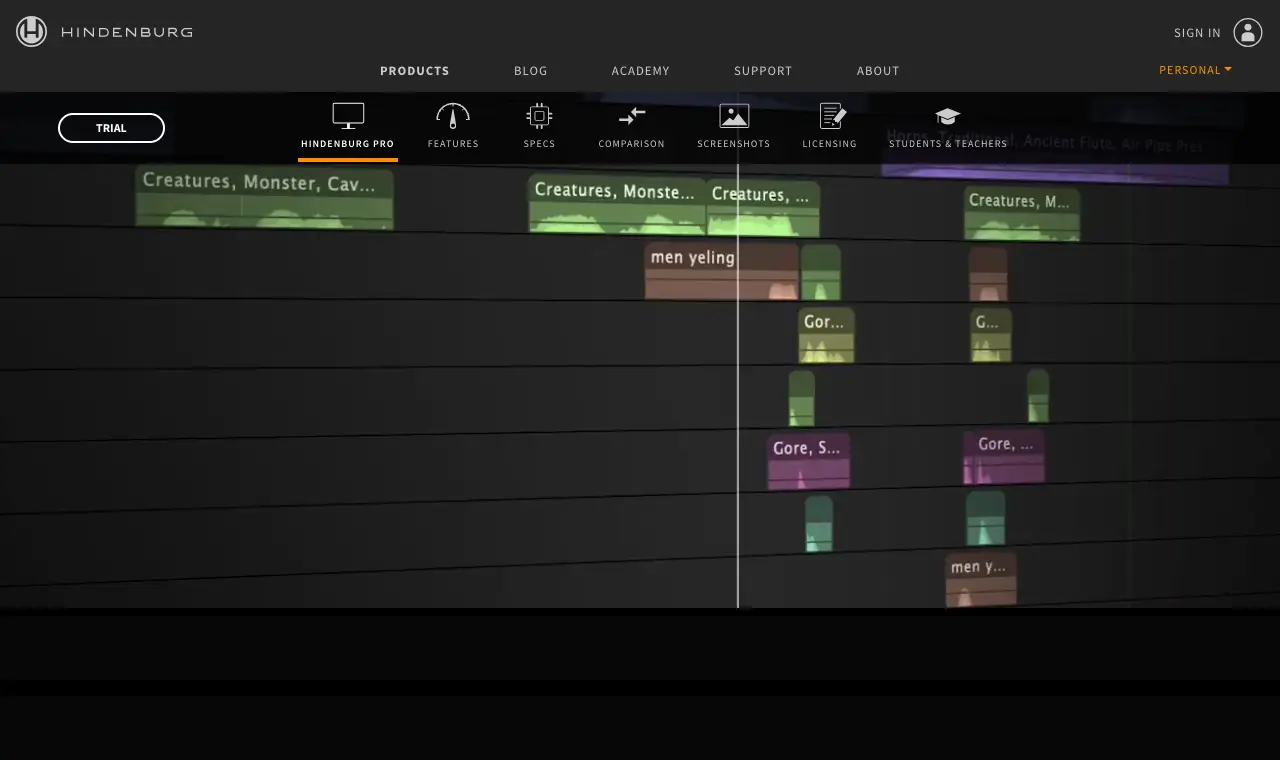
- Built for spoken word: manuscript editing ('Edit audio like a Word Processor'), clipboards for organising tape, and a video track on every plan.
- Sets broadcast-ready loudness levels when publishing and produces a music report.
- Transcription in 99 languages on Plus and Premium.
- 30-day trial, no credit card required.
Where it falls short
- Very few public reviews: none found on Capterra, and G2 blocked our reader; one review on SourceForge.
- Mac version needs Apple Silicon (M1 or newer) per the specs page.
- Transcription is not included on the cheapest plan.
What its users say
“I was recording to Hindenburg Journalist but I’ve decided to go the free route with Audacity.”
In the directorySource pageread 6 October 2026
06
Reaper
Best for people who want a full professional audio workstation for a one-off $60.
Price $60 discounted licence (personal use or revenue under $20,000/year); $225 commercial licenceFree None; 60-day evaluation with full functionality.Runs on Windows, Mac, Linux
What it does well
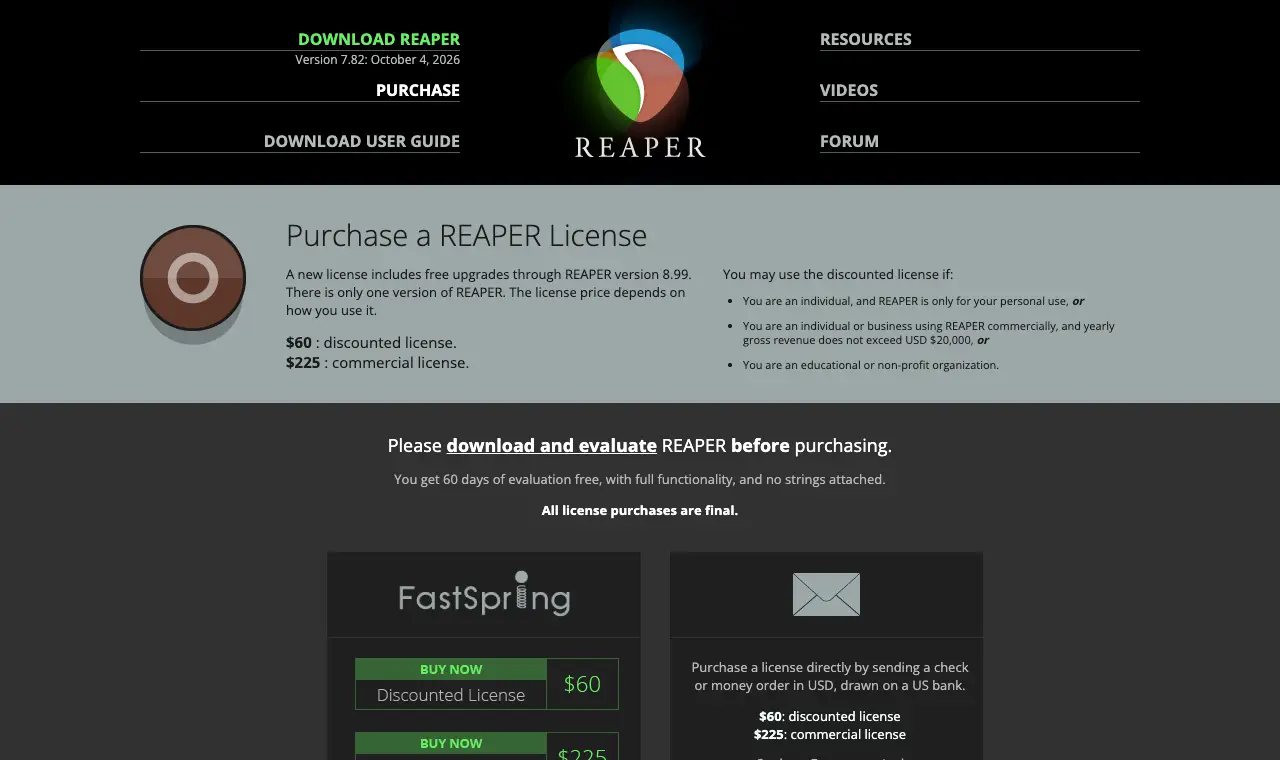
- One-time $60 licence for personal use or businesses under $20,000 a year in revenue.
- 60-day full-featured evaluation 'with no strings attached'.
- Runs on Windows XP to 11, macOS 10.5 to 26 and Linux; version 7.82 released October 4, 2026.
- Capterra reviewers praise how customisable it is and how often it is updated.
Where it falls short
- Not built for podcasting specifically: no transcript editing on the vendor pages read.
- Capterra reviewers call the interface intimidating and the learning curve steep.
- All licence purchases are final.
What its users say
“The price is consumer friendly & fair. You get what you pay for & a lot more. And there's no subscription nonsense.”
“Well basically, they haven't even had the courtesy to reply to a very simple email in a few weeks.”
“I personally use *Reaper* - it's geared more for music production, but it handles podcasts really well. It's more on the professional side, so there will be a learning curve, but once you get the hang of it it is much faster and provides much more control over your audio.”
“The DAW is really good except the complicated workflow and interface.”
In the directoryPricing pageread 6 October 2026
07
Alitu
Best for non-technical beginners who want recording, automatic clean-up, editing and hosting in one browser app.
Price $38/month, or $32/month billed yearlyFree None; 7-day free trial and a 30-day money-back guarantee.Runs on Web browser
What it does well
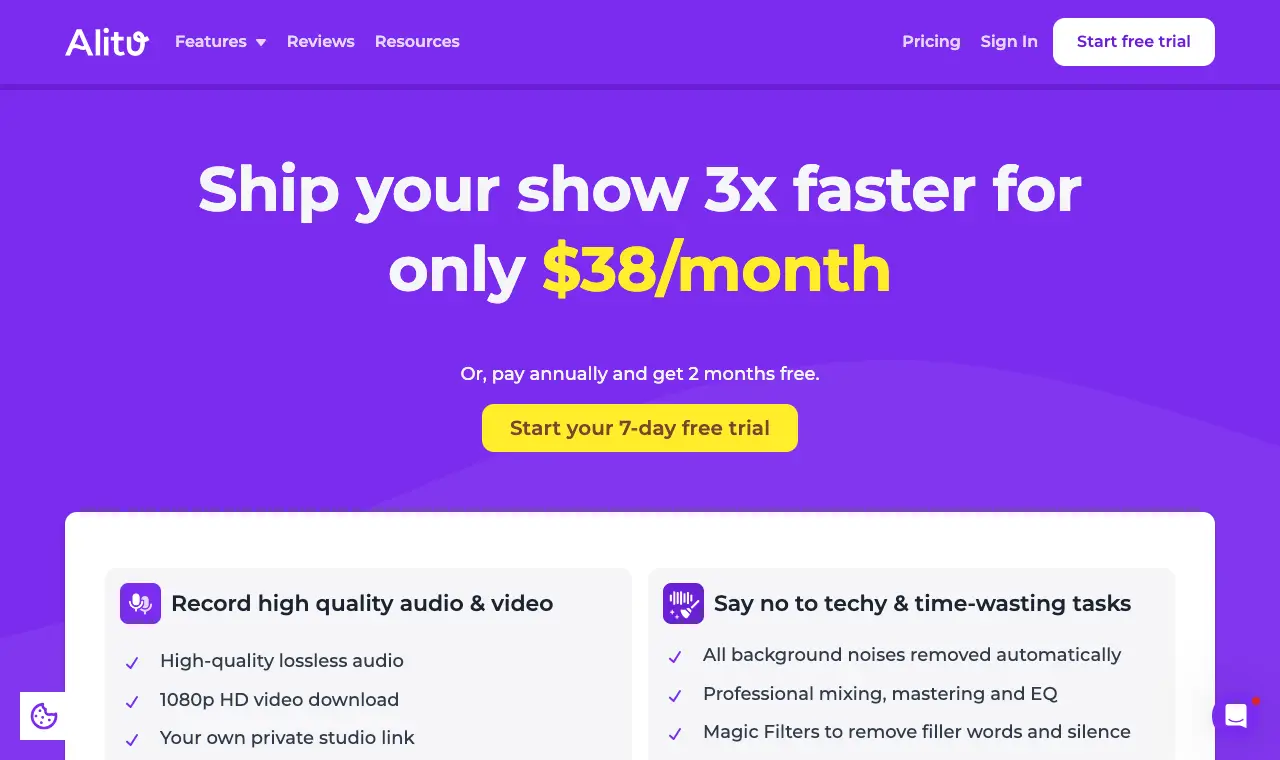
- Automatic audio clean-up removes background noise and evens out volume, per the homepage.
- Record calls, edit by transcript, and publish to Apple Podcasts and Spotify from one app.
- Hosting included up to 1,000 downloads a month.
- Trustpilot 4.9 from 111 reviews; reviewers stress how easy it is for beginners.
Where it falls short
- No free plan; the cheapest option is $32/month billed yearly.
- Hosting above 1,000 monthly downloads costs extra.
- Browser-only; no desktop app named on its pages.
What its users say
“I was surprised how easy it was to record and produce when I had absolutely no background or experience.”
“It's a great product, but I don't use it much. I recorded a few sessions, but find gaining traction and exposure difficult.”
“Alitu is the only sensible way for non-technical beginners to start a podcast!”
In the directoryPricing pageread 6 October 2026
08
DaVinci Resolve
Best for video podcasters who want free editing, colour and pro audio (the Fairlight page) in one app.
Price Free; DaVinci Resolve Studio $295 one-time ($94.99 in-app purchase on iPad)Free Editing, colour and Fairlight audio, 8-bit video up to 60fps and Ultra HD 3840 x 2160, per Blackmagic's page.Runs on Mac, Windows, Linux, iPad
What it does well
- Free version includes the Fairlight audio page with up to 2,000 tracks with real-time effects, EQ and dynamics, per Blackmagic.
- Studio is a one-time $295 purchase, not a subscription.
- iPad app is free on the App Store (4.5 stars), with Studio as a $94.99 in-app purchase.
- Automatic ducking lowers music during dialogue, per the Fairlight page.
Where it falls short
- Voice isolation and other AI audio tools need the paid Studio version.
- Capterra reviewers report a steep learning curve and a need for high-end hardware.
- A video-first app: more than a beginner needs for an audio-only show.
What its users say
“The free version of Davinci Resolve is pretty incredible. The paid version is worth it for the AI audio tools alone.”
“I spent weeks sorting through audio issues that had essentially made the software unusable.”
“As for editing - Davinci Resolve is free. It’s not the the easiest to learn, but they do have a whole workbook online to teach you how to use it (also free!).”
“There are some shortcomings to the functionality especially in the audio features.”
In the directorySource pageread 6 October 2026
Questions
What is the best free podcast editing software?
Audacity is free and open source on Windows, Mac and Linux. GarageBand is free on Mac, iPad and iPhone. DaVinci Resolve's free version covers video podcasts, and Descript has a free plan with 60 media minutes a month and 720p export.
What is the best podcast editing software for beginners?
Alitu ($32/month billed yearly) cleans up audio automatically and includes hosting; Descript lets you edit by editing the transcript and has a free plan. GarageBand is free on Apple devices but is designed around music.
What can I use to edit a podcast on a Mac?
All eight run on a Mac: GarageBand (free), Audacity (free), DaVinci Resolve (free), Descript, Reaper ($60), Hindenburg PRO (Apple Silicon only), Adobe Audition, and Alitu in the browser.
Can I edit a podcast on an iPad?
GarageBand and DaVinci Resolve both have free iPad apps. Descript says it is not officially supported on iPads, and Audacity, Audition, Reaper and Hindenburg PRO list no iPad version.
Is there podcast editing software without a subscription?
Yes. Audacity, GarageBand and DaVinci Resolve are free; Reaper is a $60 one-time licence (personal use or under $20,000 revenue); DaVinci Resolve Studio is $295 once; Hindenburg PRO has a $399 perpetual licence.
Which editor is best for video podcasts?
DaVinci Resolve is free, with editing, colour and Fairlight audio in one app; Descript also edits video by transcript, with 720p export on its free plan.